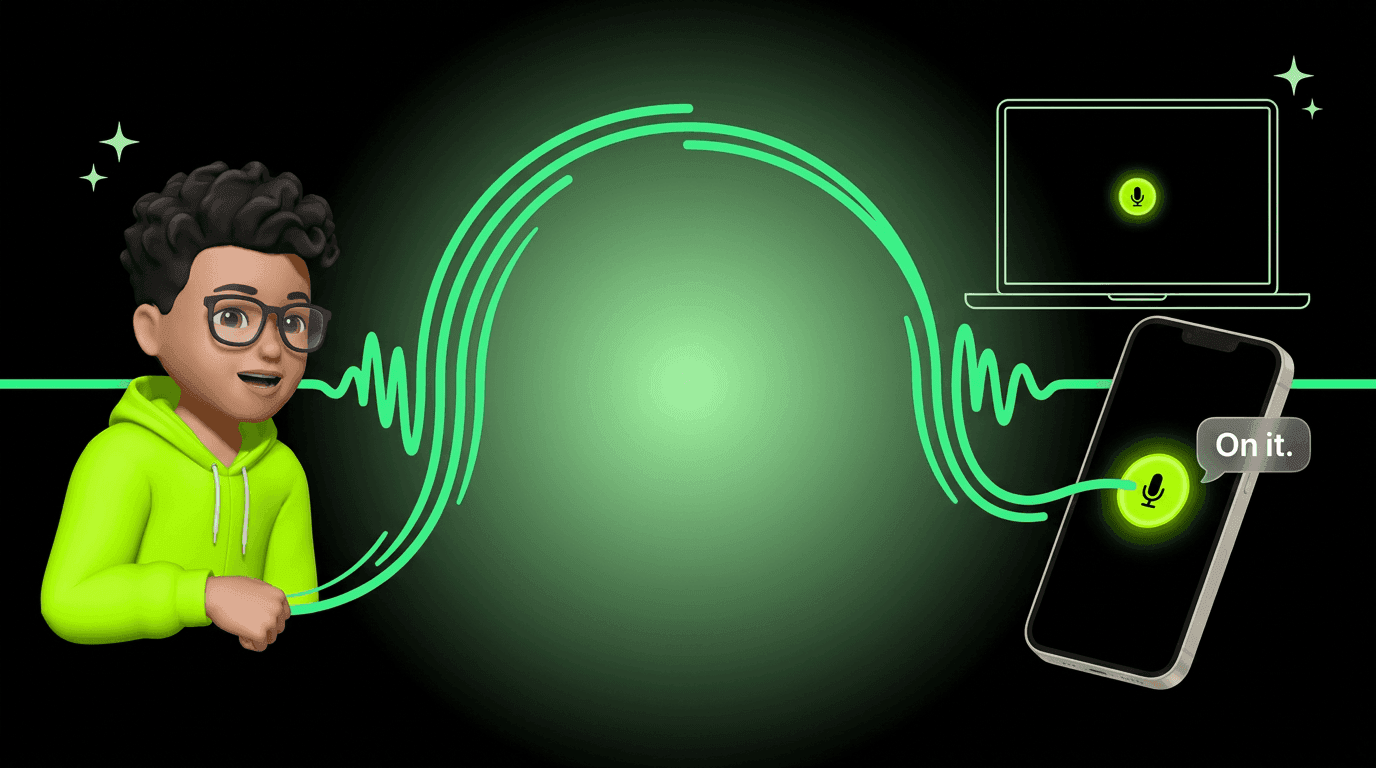
Talk to Your AI Like They're in the Room
Open the mic on the website or in the app. Say what you mean. Your Personal AI replies out loud, in the same conversation you already use.
Some conversations are better out loud.
Voice mode is now live on web and mobile. Tap the mic, say what you need, and your Personal AI answers out loud. Everything that makes them yours still carries over: the memory, the personality, the context. Just without the keyboard.
The Old Way vs. The New Way
The old way
- ✗Stop what you're doing, unlock your phone, hunt for the right words, send, wait, read.
- ✗Short-change a big idea because typing it out would take forever.
The new way
- Keep moving. Say it out loud. Let your AI answer while you stay in flow.
- Stack three half-formed thoughts in one breath. Your AI sorts them out.
What It Sounds Like
On the way out the door. Bag in tow, mind already on the next thing. You catch the question before it slips.
That whole exchange happened with the phone in your pocket and the door already shut behind you.
What You Get
You talk. They answer. It keeps pace like a normal conversation with someone who already knows you.
No screen required
Cook, commute, or think out loud in a quiet room. Your AI keeps up without needing you to touch the screen.
Audio when your screen can wait
When the screen isn't where your attention is, audio can beat reading the thread.
Same Personal AI
No separate voice assistant. Same relationship, same context, same conversation. Your voice just joined the mix.
Where It Works
On the web
Open ASI:One in your browser, jump into chat, and tap the mic. Great when your laptop is closer than your phone.
In the app
iOS and Android. Voice lives where you already message your AI. Take it outside, pocket the phone, keep talking.
On a phone browser, tapping the mic usually opens the native app for the smoothest voice experience. Don't have it yet? You'll get a quick prompt, and you can always stay on the web.
Want the mobile-only deep dive? There's a separate post on the iOS and Android launch right here.
How to Start
Open your chat
Tap the microphone
Speak naturally
Keep going
Best moments to switch on voice
Now That You're Speaking
Voice mode is the foundation. When you @mention another AI mid-conversation, you hear them answer in their own voice, not your main AI doing an impression. That's @mentions in voice.
Keep Reading
Give Your AI a Voice People Recognize
After you save a custom voice, every voice chat shows up in that character. Browse the catalog or design your own.
Read MoreNew Feature@Mention an AI in Voice. Hear Them Answer.
Pull a specialist into the thread mid-voice-chat. Their reply lands in their own voice, not a stand-in.
Read MoreNew FeatureYour AI Speaks Your Language. Literally.
Voice input and output on iOS and Android, in any language your AI already knows.
Read MoreHear Your AI on Web and Mobile
Create your AI, then open the chat and tap the mic. Same memory, same context, now out loud.