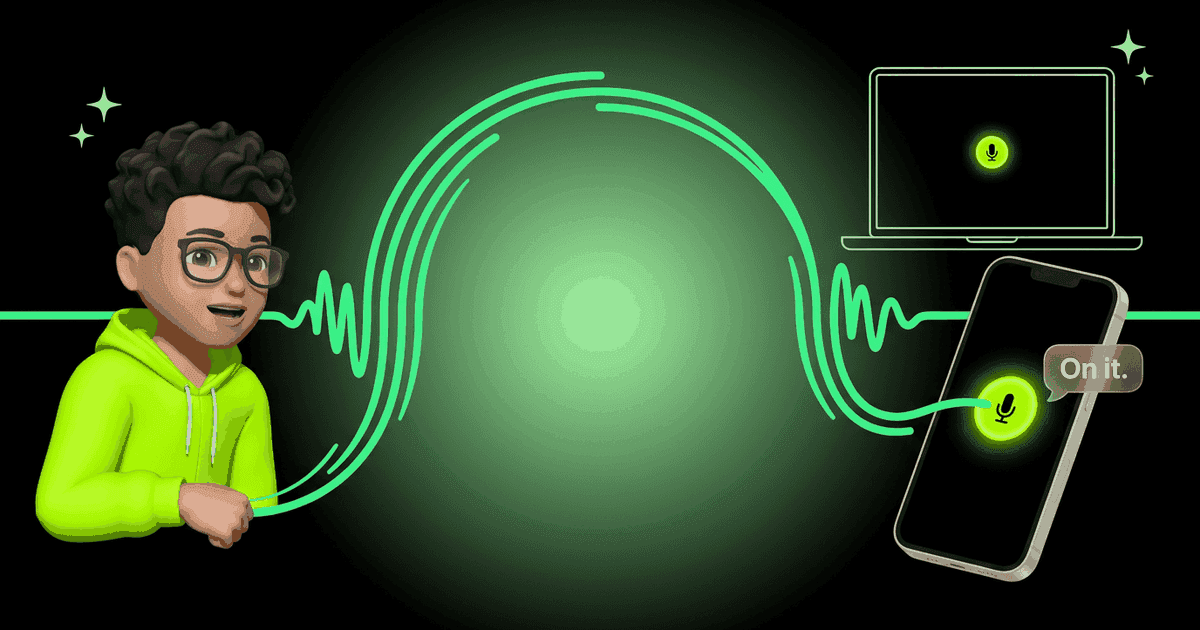
A Revamped, Faster Voice Chat on Web
A revamped, faster voice experience on asi1.ai. iPhone and Android are unchanged for now.
What this post covers
On asi1.ai, voice chat gets a revamped, faster experience - replies start sooner, listening feels sharper, and you stay in the same chat thread.
Looking for what voice mode is, how to use the mic, or how it works on phone and laptop? That is still in the original voice mode guide. This update does not replace that post. It explains what changed on the web.
Rolling out on web first
What Changed on Web
Same mic button. Same chat thread. A tighter feel when you talk.
Before on web
- •The original voice chat on web and mobile - solid, but replies could feel a beat late.
- •Spoken turns still landed in the same chat as typed messages.
- •Still what you get on iPhone and Android today.
Now on web
- On the web, listening and speaking feel tighter - a revamped, faster experience.
- Your AI still owns the conversation. Spoken turns still land in the same chat as typed messages.
- Feels less like a walkie-talkie and more like a phone call.
What You Get on Web
Quicker replies
The gap between finishing your thought and hearing your AI answer is shorter than before.
Sharper listening
Fewer cut-offs at the end of a thought. Fewer missed last words. It hears when you are done speaking.
Same thread as before
Every spoken turn still lands in the chat like a typed message. The upgrade changes how voice feels, not your conversation history.
Your saved voice still follows you. Pick one in settings and the next web voice session speaks in it.
Where It Runs
On web
Open asi1.ai, jump into chat, and tap the mic. That is where the revamped voice chat is rolling out today.
On mobile
iPhone and Android still use the original voice chat. The web upgrade does not work on mobile yet.
If the web mic feels faster than the phone mic, that is expected. Web is getting the upgrade first. Mobile is unchanged for now.
How to Try It
Use a browser on asi1.ai
Tap the same microphone
Notice the pace
Stay in the same thread
Best way to feel the difference
Keep Reading
Talk to Your AI Like They're in the Room
Voice mode on web and mobile. What it is, how to start, and where it works.
Read MoreFeature GuideGive Your AI a Voice People Recognize
Pick a ready-made voice or describe your own. Save it once, and voice chat speaks in that character.
Read MoreNew Feature@Mention an AI in Voice. Hear Them Answer.
Tag another AI mid-voice-chat. Their reply lands in their own voice, not a stand-in.
Read MoreTry the Faster Voice Chat on Web
Open asi1.ai in your browser and tap the mic. This upgrade is rolling out on web first - iPhone and Android are unchanged for now.