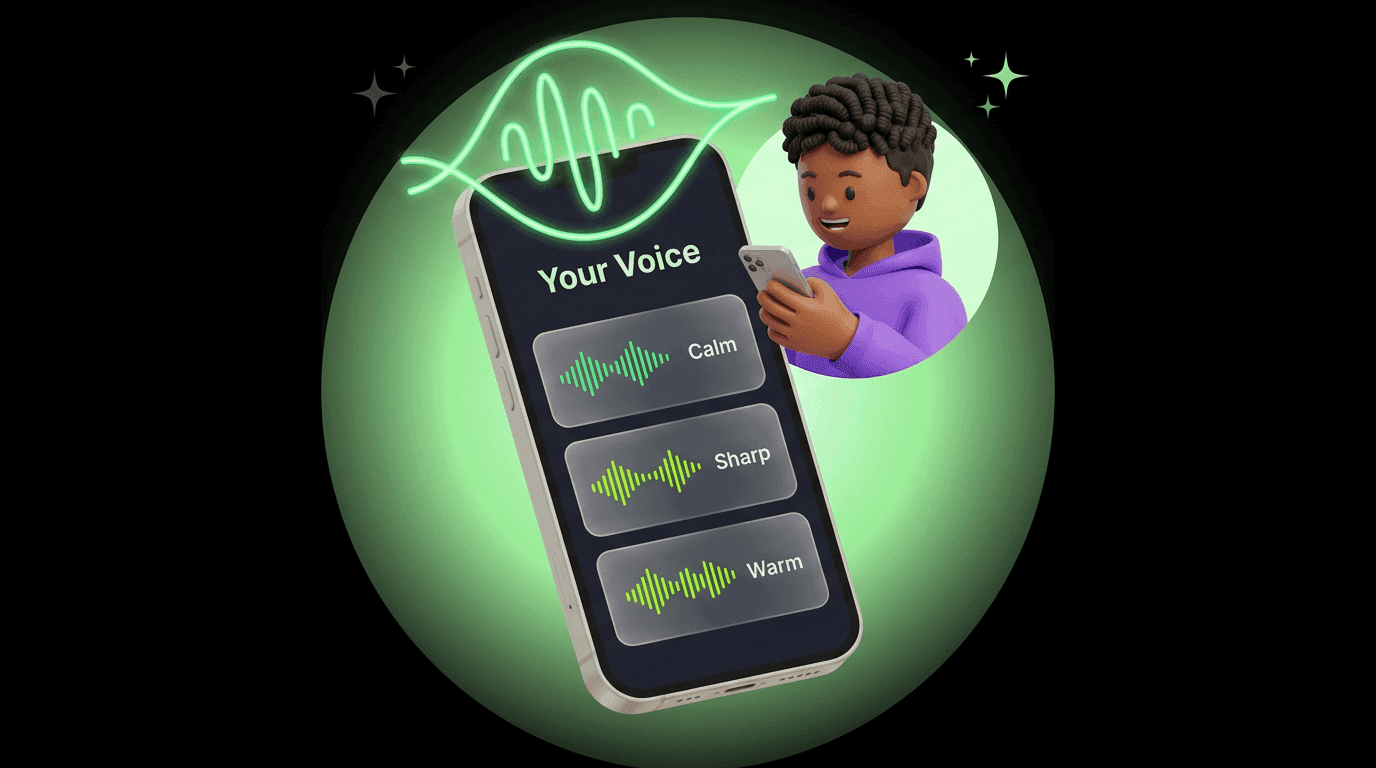
Give Your AI a Voice People Recognize
Pick a ready-made voice or describe your own until it sounds right. Save it once, and the next time you use voice chat, your AI sounds like the character you built.
Same assistant. Different vibe. Pick a voice people recognize when your AI talks.
Your AI already has a personality. Voice is how that personality sounds out loud, even when a friend's in earshot. Warm. Sharp. Calm. Hyped. That choice is yours now, and it sticks for every voice chat after.
Two Ways to Get There
Start from the catalog
Browse the curated voices that come tuned for quality. Tap one, preview it, and if it matches your AI's energy, you're done in seconds.
Design your own
Describe the vibe you want. Compare the previews you get back, pick the winner, and save.
Don't Know What to Ask For?
A few prompts that work well, just to get the muscle moving:
- Late-night radio host: low, warm, unhurried. Reads like the last hour of a long drive.
- No-nonsense ops manager: direct, mid-pitched, never wastes a word. Makes deadlines feel doable.
- Calm running coach: steady tempo, encouraging without being cringe. Built for accountability.
- Curious friend in their twenties: bright, casual, asks follow-ups. Sounds like brunch.
- Reassuring narrator: gentle, even, the voice you want reading you a recipe at midnight.
Mix and match. The more specific the description, the closer the previews get to what you want.
How to Set It Up
Open your AI's settings
Browse or build
Preview before you commit
Save
What's free, what's not
Sound vs. style
How it sounds is the voice you pick or design. How it writes still comes from the personality and instructions you gave your AI. Point both in the same direction. Warm voice, warm words.
After You Save
Change your mind later? Go back to settings any time. Swap voices for a new season, a new brand, or just a change of mood. Your AI updates what people hear on the next conversation.
And when you @mention another AI in the same chat, they show up in their voice. Your sound is yours. Theirs is theirs. The conversation keeps track of who's talking so you don't have to. Full story in @mentions in voice.
Keep Reading
Talk to Your AI Like They're in the Room
How voice mode works, where it lives on web and mobile, and the moments it makes easier.
Read MoreNew FeatureYour AI Speaks Your Language. Literally.
Voice input and output on iOS and Android, in any language your AI already knows.
Read MoreGetting StartedMake Your AI Yours
Your AI isn't like everyone else's, unless you haven't taught it who you are. A field guide to making it yours.
Read MoreShape How Your AI Sounds
Create your AI, head to voice settings, and land on the one that feels unmistakably yours.