Your AI Speaks Your Language. Literally.
Talk to your personal AI on mobile. In any language. It talks back.
Walking to work. Cooking dinner. Driving home. Your hands are busy. Your brain isn't.
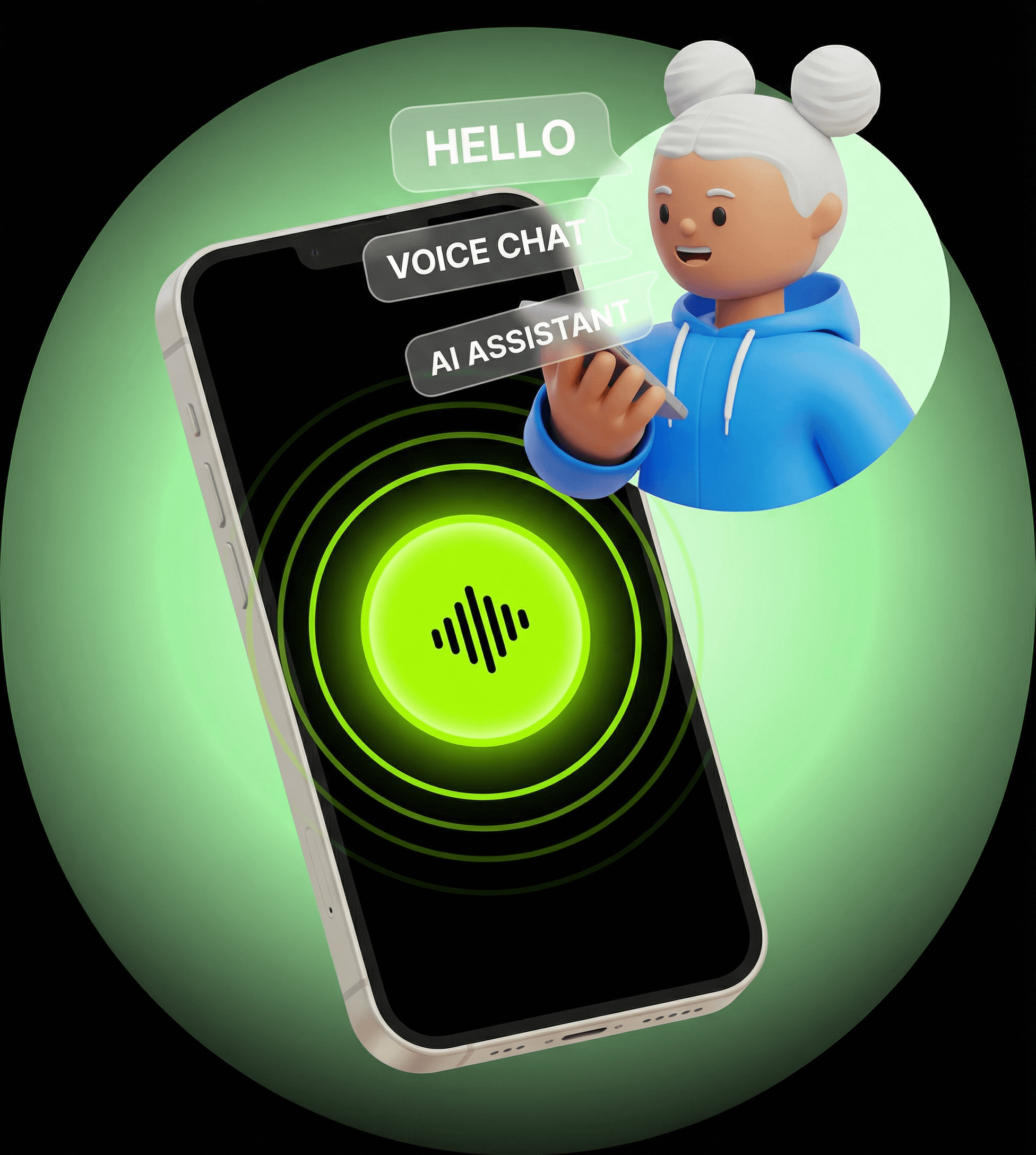
Now your AI can hear you — and respond. Voice input AND output on mobile. Tap, talk, listen. Full conversation, hands-free.
What's New
Voice isn't just for input anymore. Your AI talks back. You have a real conversation — without typing a single character.
How It Works
Open Your Chat
Tap the Microphone
Speak Naturally
Listen to the Response
What Makes It Special
Multi-Language Support
Speak in your native language. Your AI understands and responds naturally. No translation needed on your end.
Voice Matches Personality
Your AI's voice matches the personality you've built. Customize the voice to match your AI's vibe — serious, playful, warm, or professional.
Two-Way Conversation
This isn't dictation. It's conversation. Your AI listens, thinks, and speaks back. Real dialogue, not transcription.
When to Use Voice
- Capture thoughts while walking — Great ideas don't wait for you to sit down.
- Plan tomorrow while cooking — Hands covered in ingredients? Voice has you covered.
- Quick questions while driving — Eyes on the road. Your AI handles the rest.
- Think out loud — Ramble through a problem. Your AI organizes your thoughts.


Pro Tip
Availability
- Platforms: iOS and Android
- Requirement: App update required
- Where: Personal AI chats only (collaboration voice support coming soon)
Keep Reading
Update Your App and Start Talking
Voice is available now on iOS and Android. Update the app. Tap the microphone. Say hello to your AI.