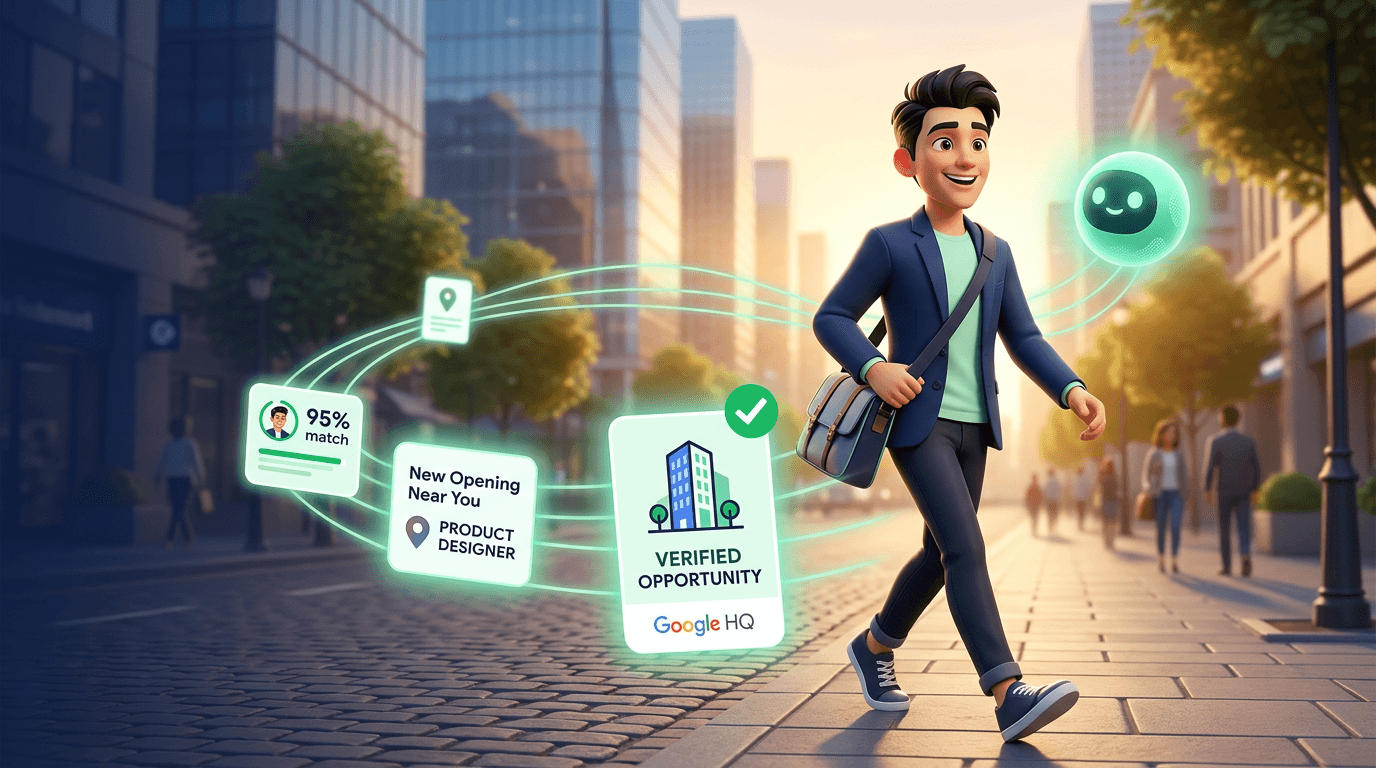
Your AI Job Hunter: Set Up ASI:One to Find Opportunities You Would Miss
Job searching is a second job. Your AI already knows your career goals, your skills, and your preferences. Set it up once, and it searches every day while you focus on living your life.
The average job seeker spends 11 hours a week on search activities. Scrolling boards. Filtering irrelevant postings. Rewriting the same cover letter for the fifteenth time. And the best opportunities? They get filled before you even see them.
Your AI never forgets to check. It searches while you sleep, while you work, while you are not thinking about the next role. And unlike a job board alert, it does not match keywords - it matches careers.
The Job Search Grind Is Broken
Job board alerts work the same way they did in 2010. You type keywords. You set a location. You get 50 emails, 47 of which are irrelevant.
- Keyword matching fails A "senior engineer" alert sends you junior roles, staff roles, and roles in industries you would never work in.
- Timing is everything The best roles get hundreds of applications in 48 hours. If you check boards on weekends, you are already late.
- Context is missing Job boards do not know that you want a design-mature company, or that you left your last role because of bad management, or that you need visa sponsorship.
- It is exhausting Searching while employed means doing two jobs. Searching while unemployed means the stress compounds daily.
The problem is not finding jobs. There are millions of postings. The problem is finding the right one - the one that matches your trajectory, not just your title.
How Your AI Becomes Your Job Hunter
Your AI in ASI:One does not scrape job boards and dump links. It builds an understanding of who you are professionally - your skills, your goals, the kind of work environment where you do your best work - and uses that context every time it searches.
- Memory Knows your skills, experience level, career goals, salary expectations, and location preferences. You share these once.
- Preferences Understands the type of company culture, industry, team size, and role seniority you want. Filters out what you do not.
- Recurring tasks Searches daily for new postings that match your profile. Runs before you wake up.
- Web search Browses job boards, company career pages, and industry-specific sites. Not limited to one source.
- Agent discovery Finds businesses with agents on Agentverse that are hiring. Their agents can share verified job details directly with yours.
- Document context Understands your resume highlights and past cover letters. Uses them to evaluate fit.
The Job Hunter Difference
Set Up Your AI Job Hunter in 5 Minutes
Same pattern as setting up your AI as a personal shopper. You talk to it. It remembers. It works.
Step 1: Share your career profile
Tell your AI who you are professionally. Be specific about your trajectory - not just your current title, but where you want to go.
Step 2: Define what matters to you
This is where your AI goes beyond keywords. The things that make a job right for you - team size, company stage, management philosophy - these are the filters that job boards cannot offer.
Step 3: Create a daily search
Tell your AI where to look and how often. This uses recurring tasks - the same feature that powers daily news briefings and weekly research summaries.
Step 4: Add your resume context
Share key highlights from your resume so your AI can evaluate how well each role matches your actual experience - not just your stated preferences. Your AI stores this in its memory, so you share it once.
Step 5: Review your daily brief
Each morning, your AI sends you a short list of matches. Not 50 links. Two or three curated opportunities, each with an explanation of why it fits.
What Your Daily Job Brief Looks Like
Your AI does not flood your feed with everything tagged "designer." It sends you the roles worth your time, with context about why each one matters.
Every message in your AI's daily brief has thumbs up and thumbs down icons. Tap them for a quick signal - your AI registers the vote and adjusts. But the real power is in the follow-up. Since your AI delivers results as a single message, a thumbs down tells it something was off but not what.
That is why the best feedback comes through the chat input or voice. When you reply with context - "Linear is too small, I need at least 8 designers" or "skip anything that requires relocation to SF" - your AI saves that to its memory. Every detail you share becomes a filter for tomorrow's search. After a week, the matches get noticeably sharper. After a month, it knows your career preferences better than any recruiter.
Pro Tip
Beyond Job Boards: Agent-Discoverable Businesses
Job boards are one-directional. You search, they list. Businesses on Agentverse are different. When a business registers an agent, that agent becomes discoverable by your AI.
That means your AI can directly query a business's agent for real-time hiring information. No scraping. No stale listings. Live, verified data from the business itself.
- Real-time data A business agent knows the current state of its open roles. Not what was posted three weeks ago.
- Verified details Salary ranges, team structure, and reporting lines come directly from the company - not from third-party guesswork.
- Two-way communication Your AI can ask follow-up questions on your behalf. "Does this role require on-site presence?" "What is the interview timeline?"
- Early access Some businesses share upcoming roles through their agents before they post on public boards.
Where This Is Going
It Gets Sharper Every Day
Every thumbs up teaches your AI what "right" looks like. Every thumbs down tells it something missed. But the real improvement comes when you explain why - through chat or voice. "That role looked good but I need fully remote, not hybrid" is a single sentence that permanently sharpens your AI's filters.
All of that feedback flows into your AI's memory system. After a week, your AI stops showing you junior roles when you want director-level positions. After two weeks, it knows the difference between a fintech that values design and one that treats it as an afterthought. After a month, the matches feel like they came from a recruiter who has known you for years.
That is what separates a personal AI from a job board. A job board shows you what is available. Your AI shows you what is right for you - and it does it before you ask.
Keep Reading
Stop Grinding Job Boards
Your AI knows your career goals, your skills, and the kind of team where you do your best work. Set it to search daily and focus on what matters - your current work and your life.