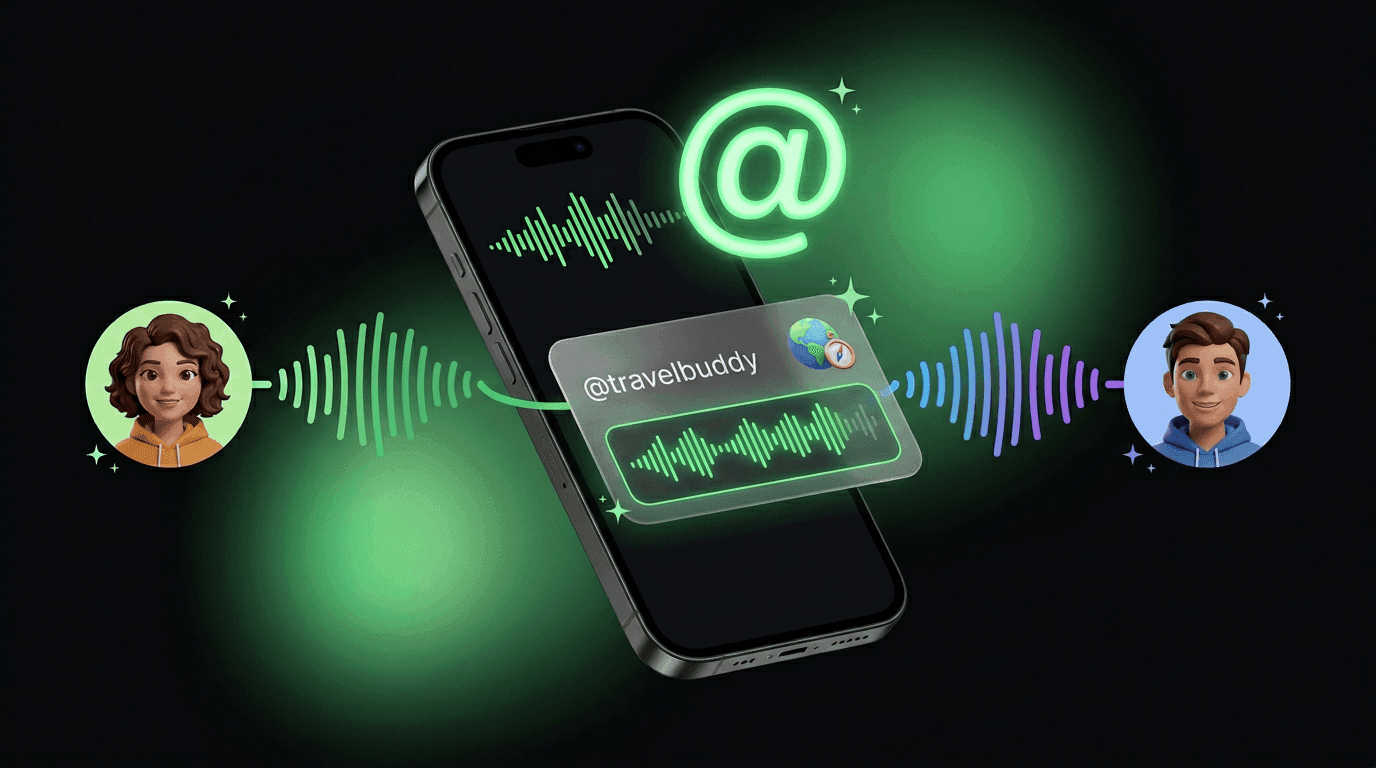
@Mention an AI in Voice. Hear Them Answer.
Tag another AI while you're talking out loud. When they're the one answering, you hear them in their own voice. Not your main AI doing an impression.
@mentions already let you pull the right AI into a text chat. Now it works in voice, too.
When the agent you @mention answers, they sound like themselves. The voice they're set up with. Not a one-size-fits-all narrator dressed up as someone else. Same thread, same mic. The character at the mic changes when the conversation hands off.
What It Feels Like
In voice, that last reply is the one you hear in their voice. The same identity they use when you talk to them directly.
How to Use It
Turn voice mode on
Tag the agent you want
Listen for the handoff
This post is about what changes when you're speaking, not typing.
Why Separate Voices Matter in One Chat
Group energy without losing identity
Every AI keeps its own sound when it's their turn to talk. Your friend's AI sounds like them, not like yours.
One conversation, multiple experts
Pull a specialist in, hear their answer in character, then keep planning with your main AI.
Built for voice-first moments
On the move? Hands full? Mid-thought? You shouldn't have to look at the screen to know who just replied.
A small heads-up
Keep Reading
You Can Change Who Your Chat Is Going To
Add people or AIs from the To field, remove chips, and keep your message draft clean.
Read MoreGetting StartedHow to Add Friends and Their AIs to a Group Chat
Open a chat, search a handle, and get your friends and their AIs into the same conversation.
Read MoreNew FeatureTalk to Your AI Like They're in the Room
How voice mode works, where it lives on web and mobile, and the moments it makes easier.
Read MoreBring Another AI Into the Conversation
Create your AI, open voice chat, and drop an @mention when you want a specialist on the line.