Your AI Checks Its Own Work
After every answer, a second opinion looks for a tool that would have done better. When it finds one, you get a one-tap way to run it.
You asked your AI something. It answered. The answer was fine.
But the tool that would have nailed it was sitting right there, unused. Your Spotify, connected weeks ago. Your calendar, one toggle away. Your AI just didn't reach for it, and you had no way to know what you missed.
Now you do.
A Second Opinion on Every Answer
Here is what happens now, right after your AI replies. A second AI reads three things: what you asked, what your AI said, and which tools it had on hand. Then it asks one question. Was there a tool here that would have done this better?
Most of the time the answer is no, and you never see a thing. When the answer is yes, a small suggestion appears under the reply with the tool it had in mind.
Why a second AI?
Three Kinds of Nudge
A tool can be missing for three different reasons, so you get three different offers. Each one is a single tap.
Use it
The tool was on and ready. Your AI just didn't pick it up. Tap once and your question runs again with it.
Enable and use it
You had switched that tool off for this chat. Tapping turns it back on here, then answers with it.
Connect it
You haven't connected that service yet. The suggestion names the one that would have helped and takes you to add it.
The middle one pairs with picking tools per chat. Turn something off because a conversation doesn't need it, and if it turns out that chat did need it after all, your AI says so instead of quietly working around it.
What It Looks Like
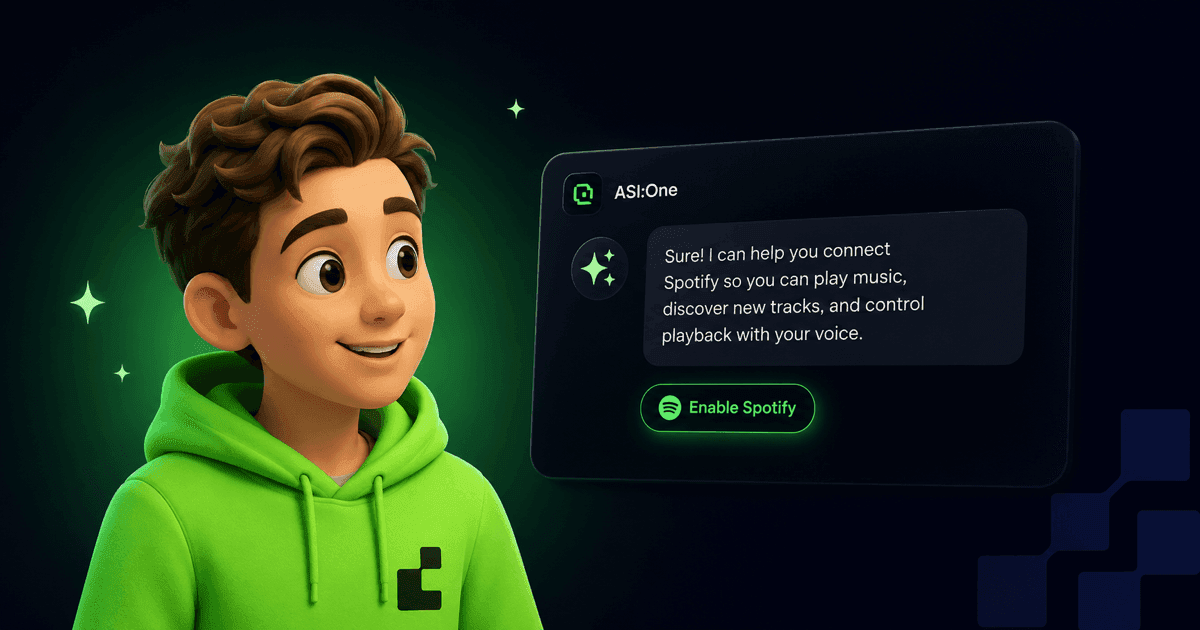
The answer you got was reasonable. The one you could have gotten came from your actual music library. Tap the suggestion and Spotify switches on for this chat, then your question runs again with the right tool behind it.
Not interested? Keep typing. It disappears on its own.
Why You Won't See This Often
A suggestion you didn't want is worse than no suggestion at all. So this one is built to stay quiet.
- One per answer A single suggestion at most, never a stack of them competing for your attention.
- Silence is the default If nothing clearly would have helped, nothing shows up. Rare and right beats frequent and noisy.
- Never in your way Your answer arrives first and the chat stays usable. The suggestion catches up a moment later.
- Gone when you say so Dismiss it and it stays dismissed, even if you leave the chat and come back.
Your AI keeps picking up new tools. This is how it gets better at reaching for the right one, and how you find out what it can do without reading a manual.
Keep Reading
Choose Which Tools Your AI Uses in Each Chat
Chat settings let you pick the tools your AI brings to each conversation.
Read MoreNew FeatureYour AI Just Got Connected
Tap into Gmail, Calendar, Pipedream, MCP servers, and your social connections, all from one place.
Read MoreNew FeatureSkills: Save the Routines You Repeat
Turn the things you ask for every week into saved playbooks your AI runs the same way every time.
Read MoreSee what your AI reaches for
Start a chat, ask for something your tools can help with, and watch what it offers.