Skills: Save the Routines You Repeat
Name a routine. Write the steps. Your AI runs it the same way every time you ask.
You have typed the same request to your AI at least three Tuesdays in a row.
“Give me my top three priorities, flag any calendar conflicts, and remind me to drink water before the first meeting.” Every morning. From scratch. Your AI does it well, but you have to re-describe the whole routine every time.
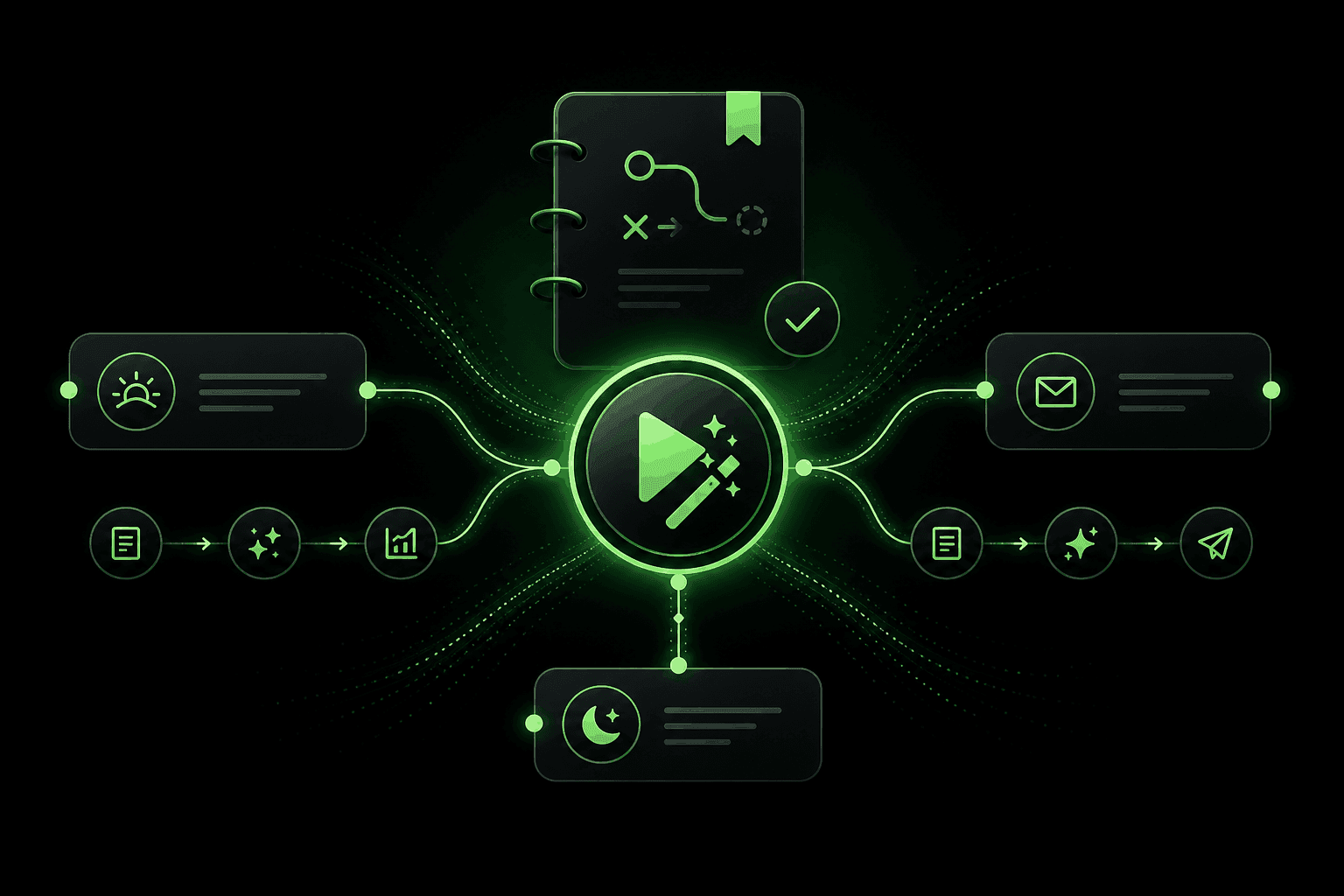
Skills are the fix. A Skill is a saved playbook - a named routine your AI runs the same way every time you call it. Write the steps once, give it a name, and from then on three words (“run my morning rundown”) replace a paragraph.
What Is a Skill, Exactly?
A Skill is the saved version of a thing you keep asking for. Give it a name. Write the steps. Next time you want it, ask by name and your AI runs the same play.
Think of it as the “you again” button. The thing past-you already figured out, ready for present-you to reuse without re-describing the whole thing.
On demand
Skills only run when you ask for them. They do not affect every conversation - just the ones where you call them by name.
Repeatable
Same steps, same quality, every time. No drift from Monday's version to Friday's version.
Why Not Just Ask Every Time?
You can. And for one-off questions, you should. But there is a real difference between asking your AI from scratch and running a saved Skill.
Just asking (no Skill)
- You re-describe the full request every time
- Output varies - Monday's version might not match Friday's
- You forget the exact phrasing that got a great result last week
- No way to share a good prompt with a friend
- Works perfectly for one-off or novel requests
Running a Skill
- Three words trigger the whole routine
- Same steps, same quality, every run - no drift over time
- You refine once and it stays refined for every future use
- Share it to the Skills Library and others can use it too
- Compounds - improvements stack over weeks of use
The simple test
What It Looks Like in Practice
That whole exchange started with three words because the routine was saved. The Skill knows what “morning rundown” means for you, in your tone, with the things you actually care about.
Skills People Are Saving Today
Morning rundown
Top three priorities, one calendar conflict to flag, one nudge to drink water before the first meeting.
Recap email
Summarize the last hour of chat into a tight three-paragraph note in my voice. Bullets only if I asked for action items.
Wind-down brief
Three things I finished, one thing I owe somebody tomorrow, one thing I want to think about over dinner.
Decision check
Tell me what I'm optimizing for, what I'm trading off, and the smallest next step. No five-paragraph essay.
More ideas to get you started
- "Weekend plan" - Three low-effort things I can do this weekend based on the weather and my budget.
- "Meeting prep" - Review my notes on this person, list three things I want to discuss, and suggest one question to ask.
- "Meal plan" - Five dinners for the week using what I already have, plus a grocery list for the gaps.
- "Inbox zero" - Summarize unread messages, flag anything urgent, draft replies for the ones that just need a quick response.
How to Save Your First Skill
Spot a routine you keep repeating
Open Skills under Your AI
Name it like you would say it out loud
Write the steps
Run it and refine
Tips for Writing Great Skills
Name it the way you would ask for it
"Morning rundown" beats "Daily prioritization workflow v2." You are going to call this thing by name while half awake. Make it easy on future you.
One job per Skill
A Skill that does morning priorities AND meeting prep AND email drafts is three Skills in a trench coat. Split them so each one stays sharp.
Iterate, do not over-engineer
Your first draft will be 80% right. Run it, notice what is off, fix that one step. Three iterations and you have a Skill that feels effortless.
The two-week test
If you have not triggered a Skill in two weeks, delete it. Your real routines will become obvious fast. Let the rest go.
Skills get even better with Rules
Skill or Rule? A Quick Gut Check
It is a Skill when
- You ask for the same thing more than twice a week
- It has a clear shape (input, steps, output)
- You would rather call it by name than re-describe it
- It is yours, in your voice, not a generic template
It is a Rule when
- You want it to apply every time, not just when asked
- It is about tone, format, or a boundary
- It is a one-line preference, not a multi-step routine
- You would hate having to remind your AI again
Still not sure? Start with a Skill. If you find yourself wishing it applied to every chat automatically, promote the core idea to a Rule.
Where This Goes Next
Skills are the start of a longer arc. Today you name them and trigger them yourself. Over time, your AI will learn which routines you reach for on Monday mornings versus Friday afternoons and start suggesting them at the right moment. The goal is less typing, more living.
And now there is a Skills Library where you can browse and activate routines that other people built and shared. No writing from scratch required - just find one that fits and tap activate.
Keep Reading
The Skills Library: Borrow What Others Built
Browse community-made routines, activate the ones that fit, and skip writing everything from scratch.
Read MoreGetting Started5 Skills to Try This Week
Community-tested routines you can activate in seconds. Pick one, try it for a few days, and see if it sticks.
Read MoreNew FeatureRules: Teach Your AI How You Like Things
Save your standing preferences as Rules and your AI follows them in every conversation, automatically.
Read MoreSave Your First Routine
Open Your AI settings, head to Skills, and save the thing you keep asking for. Three words next time instead of a paragraph.