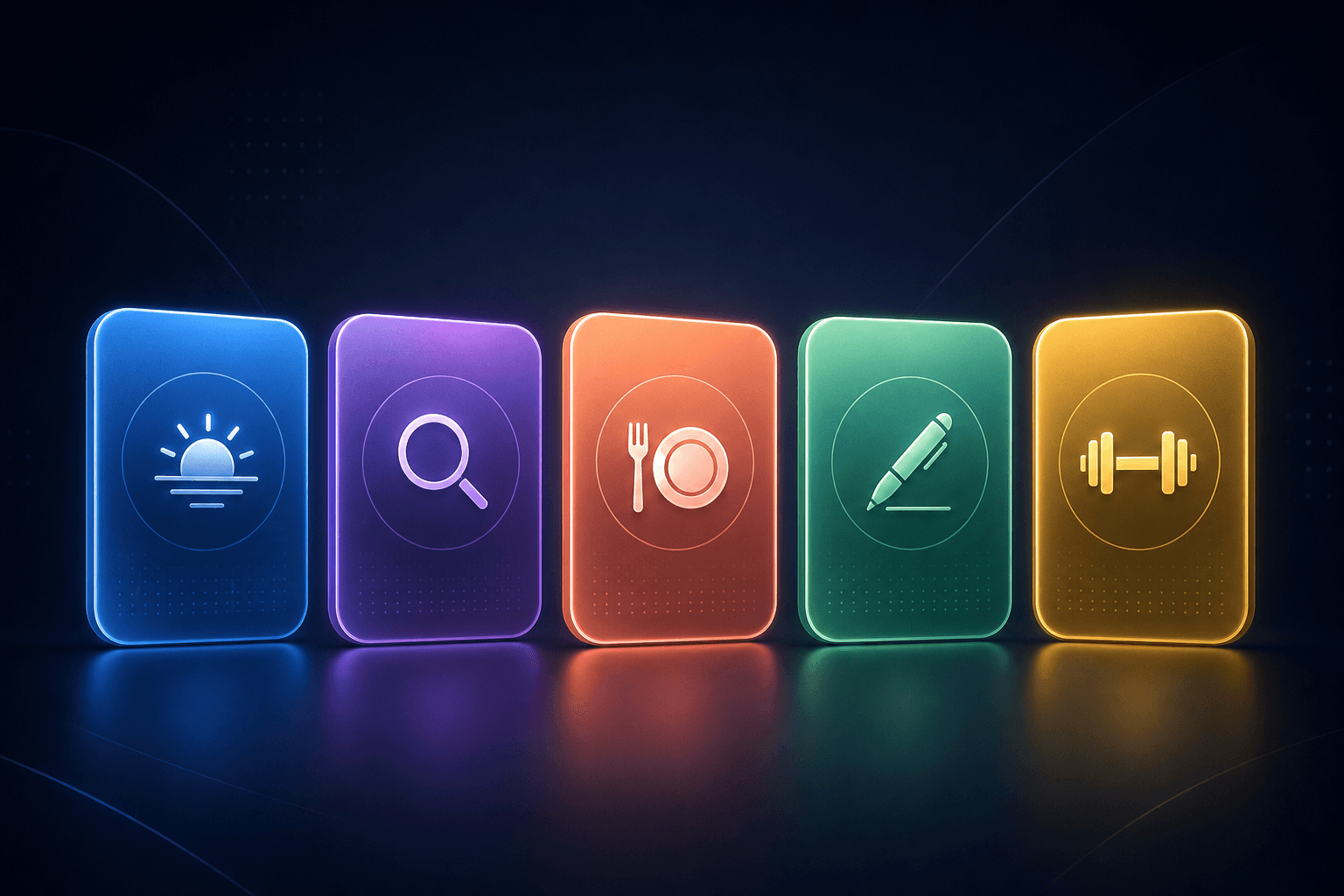
5 Skills to Try This Week
Community-tested routines you can activate in seconds. Pick one, try it for a few days, and see if it sticks.
You do not need to build a perfect AI routine on day one.
Start with someone else's. The Skills Library is full of routines that real people tested and shared because they worked. Here are five worth trying this week. Each takes less than ten seconds to activate and less than a minute to run for the first time.
1. Morning Clarity
What it does
Asks you one question about your day, then returns your top three priorities, any scheduling conflicts, and one thing you are likely to forget. Takes about 30 seconds.
Why people like it: Replaces the 10 minutes of mental loading you do while staring at your phone before getting out of bed.
2. Deep Research
What it does
Give your AI a question and it runs a structured research process - finding sources, checking claims against each other, and delivering a summary with citations. Designed for real decisions, not trivia.
Why people like it: Turns a two-hour browser-tab spiral into a five-minute structured answer. The citations mean you can verify anything that matters.
3. Meal Planner
What it does
Tell your AI what you have on hand (or what you are in the mood for) and it builds meals for the week with a grocery list. Respects your dietary preferences if you have set them as Rules.
Why people like it: The “what do I eat tonight” question disappears. Bonus: less food waste because it prioritizes what you already have.
4. Daily Journal
What it does
Your AI asks three short questions about your day, reflects back any patterns it notices over time, and saves the entry. The questions rotate so it never feels stale.
Why people like it: Takes 90 seconds and you get a journaling habit without the blank page problem. The pattern recognition over weeks is the real payoff.
5. Quick Workout
What it does
Tell your AI how much time you have and what equipment is available. It builds a session, tracks what you did last time, and adjusts difficulty. Works for 10 minutes or 60.
Why people like it: No decision fatigue. No searching YouTube. No subscription to a fitness app. Just tell your AI what you have and it builds the session.
How to Get Started
Pick one skill from this list
Find it in the Skills Library
Activate and run it
Give it three days
Make it yours
More to Explore
These five are a starting point. The library has dozens more, and new skills appear every day. Here are a few other categories people are sharing:
- Travel planning - packing lists, itinerary builders, flight deal finders
- Writing help - email drafters, social post generators, cover letter coaches
- Learning - flashcard makers, concept explainers, study session planners
- Productivity - weekly reviews, project planners, meeting prep routines
- Creativity - brainstorming prompts, story starters, design feedback loops
Keep Reading
The Skills Library: Borrow What Others Built
The full guide to browsing, activating, and sharing skills with the ASI:One community.
Read MoreNew FeatureSkills: Save the Routines You Repeat
Learn how to create your own Skills from scratch - name a routine, write the steps, and your AI runs it every time.
Read MoreNew FeatureRules: Teach Your AI How You Like Things
Save your standing preferences as Rules and your AI follows them in every conversation, automatically.
Read MorePick One and Go
Open the Skills Library, find one that fits your week, and activate it. Less than ten seconds to start.