Your AI Just Got Connected
Schedule tasks that tap into Gmail, Calendar, Pipedream, MCP servers, and your social connections - all from one place. No more switching tabs.
Your AI is smart. It can reason, plan, and hold a conversation. But until now, when you wanted it to actually do something in the real world - send an email, check your calendar, post something - you had to leave the conversation and go set it up somewhere else. That changes today. Connected Services are now accessible right from the Create Task drawer. Your AI can reach your tools without leaving the flow.
What Changed
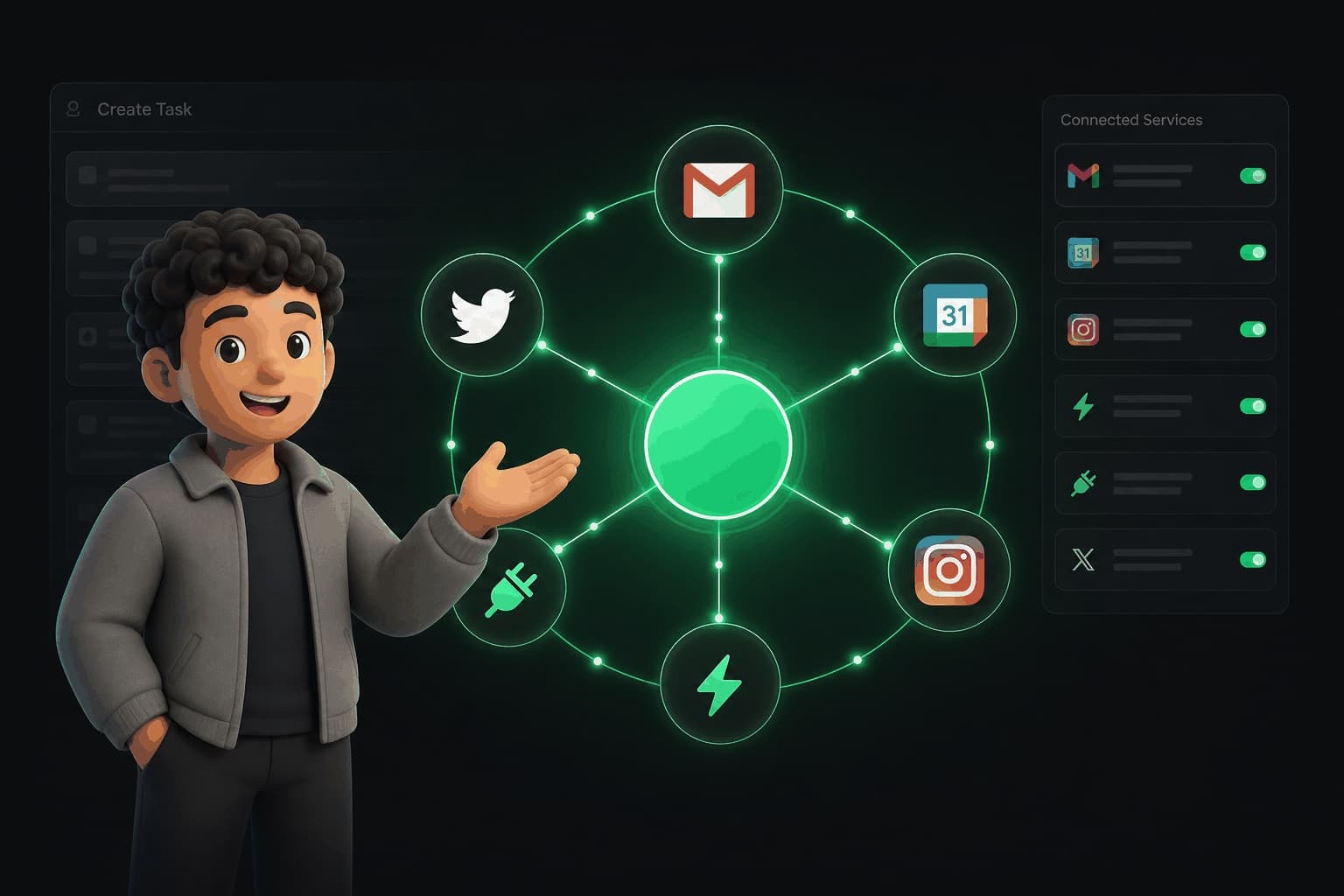
When you open the Create Task drawer now, there's a Connected Services panel. It shows every service your AI can access: Gmail, Google Calendar, your social accounts (Instagram, X/Twitter, LinkedIn), Pipedream automations, and Model Context Protocol (MCP) servers.
You pick which services the task can use, describe what you want, schedule it, and walk away. Your AI handles the rest.
No more switching between the task creator and your settings to check what's connected. No more creating a task and then realizing your AI didn't have access to the tool it needed. Everything is visible and selectable in one place.
What Is MCP (and Why You Should Care)
Model Context Protocol - the universal adapter for AI
What You Can Do Now
Schedule a weekly email digest
Every Monday, pull your calendar events for the week and email yourself a summary. Your AI reads your calendar and writes the email.
Automate social posting
When you finish a blog post, create a Twitter thread and LinkedIn post from the key points. Your AI reads the content and writes for each platform.
Connect custom workflows via Pipedream
When a new row appears in your spreadsheet, create a task in your project board. Pipedream handles the trigger, your AI handles the action.
Extend with MCP
Pull the latest stock prices and send yourself a morning briefing to Slack. Any MCP server adds new capabilities to your AI.
How It Works
Open the Create Task drawer
Choose your Connected Services
Describe what you want
Set a schedule and let it run
Three Real Examples
Here's what actual task descriptions look like.
Email catch-up
"Every Friday at 5pm, check my Gmail for any unanswered messages from this week and draft replies for each one."
Social analytics recap
"When I say 'post recap', pull my Instagram analytics from the last 7 days and create a summary I can share with my team."
Weather alerts
"Every morning at 8am, check the weather in my city and add a note to my calendar if rain is expected."
What Is Coming Next
More connections, more capabilities
Keep Reading
Hand It Off: Your Personal AI Does the Whole Job
Connections are how your AI reaches you. Long-running tasks are how it does the whole job for you.
Read MoreNew FeatureYour AI Takes Meetings Now
One toggle and your AI becomes your booking assistant.
Read MoreFeature GuideScheduling Is a Thing of the Past
Your AI knows your calendar. Their AI knows theirs. Plans just happen.
Read MoreConnect your AI to everything
Open the Create Task drawer and see your Connected Services. Gmail, Calendar, Pipedream, MCP - your AI is ready to use them.