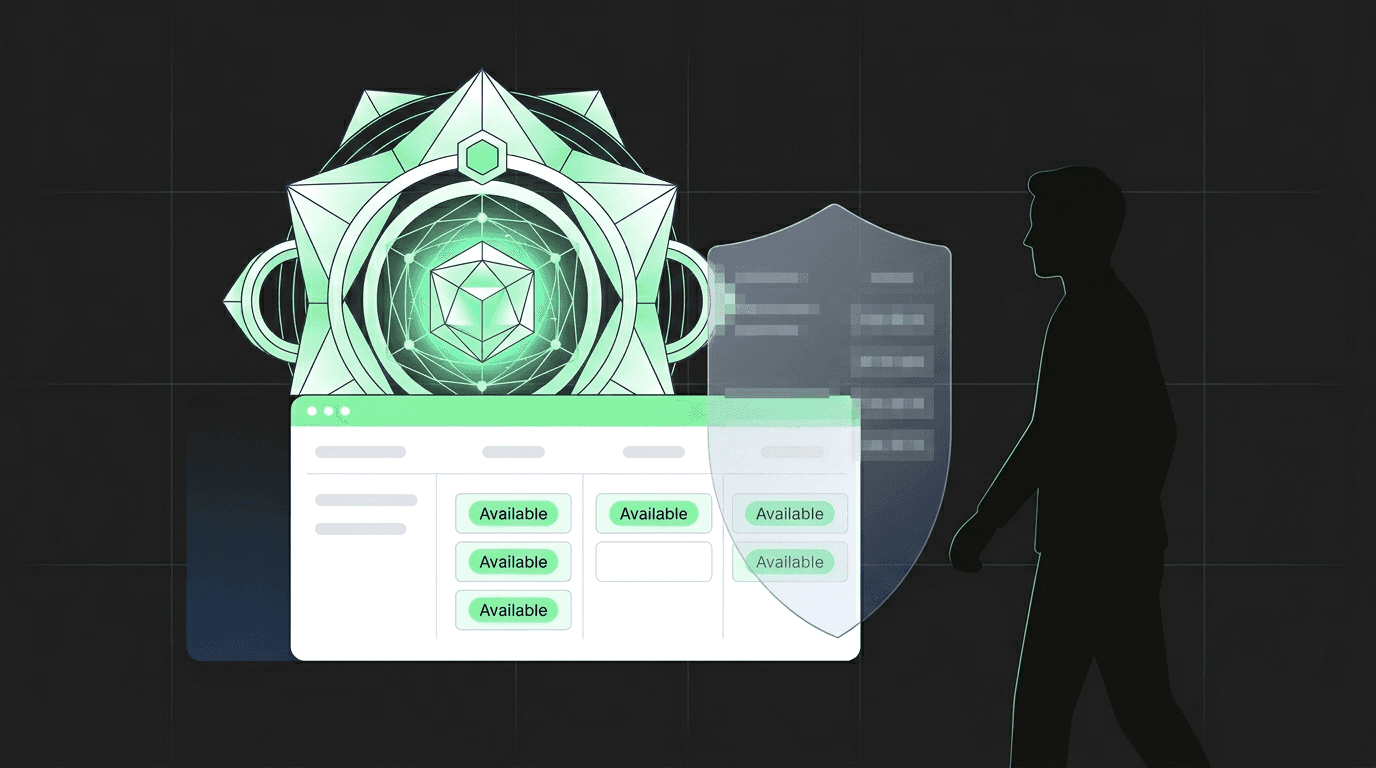
Your AI Takes Meetings Now
One toggle. Your Personal AI becomes a booking assistant. Friends book directly. Strangers see availability. Privacy intact.
Sharing your availability with people is a chore. You either send them a Calendly link (impersonal), tell them to text you (slow), or manually coordinate over 12 messages (painful). Now your AI handles it. One toggle, and anyone you want can book time with you directly through your Personal AI.
One Toggle. That's It.
Go to your AI's settings. Turn on "Allow Calendar Booking." Done.
Your AI now accepts meeting requests from people who visit your profile or chat with your AI. Friends can see your calendar and book. People you don't know can check your availability and request time - but they never see what's on your schedule.
No configuration pages. No time slot editors. No booking form builders. Your AI already knows your calendar. Now other people can use it too.
Who Sees What
Not everyone gets the same access. Your AI adapts based on the relationship.
You (the owner)
Full control. View, create, update, delete events. The toggle doesn't change anything about your own access.
Friends and family
They can see your calendar and book time with you. If they're already your friend on ASI:One, they get the full picture.
Everyone else
They can check your availability and book - but they only see "available" or "not available." No event titles. No details.
Your Schedule Stays Private
When someone who isn't your friend asks your AI "what is Devon doing Tuesday at 2pm?", your AI says "that time is not available" - not "Devon has a dentist appointment."
Your AI knows the difference between checking availability and revealing your schedule. Non-friends get a simple available/not-available response. Your event titles, descriptions, and attendees are never exposed.
Even the system prompt instructs your AI to suggest alternatives without explaining why a time is taken. "That slot isn't available. How about Wednesday at 3pm?" Clean. Private. Helpful.
Privacy by default
See It In Action
A friend booking coffee
A colleague requesting a meeting
Marcus never saw why other times were blocked. He got the available slots and picked one.
Built on What Already Works
This isn't built from scratch. The calendar booking system reuses the same infrastructure that powers Fetch Business agent scheduling - battle-tested on real bookings for months.
- Tool-level security Your AI receives only the tools it's allowed to use for each visitor. Friends get calendar viewing and booking tools. Non-friends get availability and booking tools only. If a tool doesn't exist in the toolkit, it can't be used.
- Single source of truth The privacy mode, access rules, and tool selection all derive from one function. They can't drift out of sync. When you flip the toggle, everything downstream adjusts.
- Proven infrastructure Calendar tools, privacy mode logic, and prompt patterns all come from the existing booking system. The new pieces are the toggle and the wiring for personal agents.
Turn It On
Three steps. Under a minute.
Connect your calendar
Enable booking
Share your profile
Already have Google Calendar connected?
Keep Reading
Scheduling Is a Thing of the Past
Your AI knows your calendar. Their AI knows theirs. Plans just happen.
Read MoreNew FeatureYour AI Manages Your Friendships Now. Not Like That.
Send friend requests, accept invites, and manage connections - all through chat.
Read MoreProduct UpdateYour AI Has 50 Tools
Meet the superpowers that make your AI useful.
Read MoreLet people book you
Turn on calendar booking and your AI handles the rest. One toggle. Zero back-and-forth.