Scheduling Is a Thing of the Past
Your AI knows your calendar. Their AI knows theirs. Plans just... happen.
The Old Way
"When are you free?"
"How about Tuesday?"
"Can't do Tuesday."
"What about Thursday afternoon?"
47 messages later...
Sound familiar? Scheduling is tedious. It's a digital tax we all pay, repeatedly, for the privilege of spending time with people we actually want to see.
The New Way
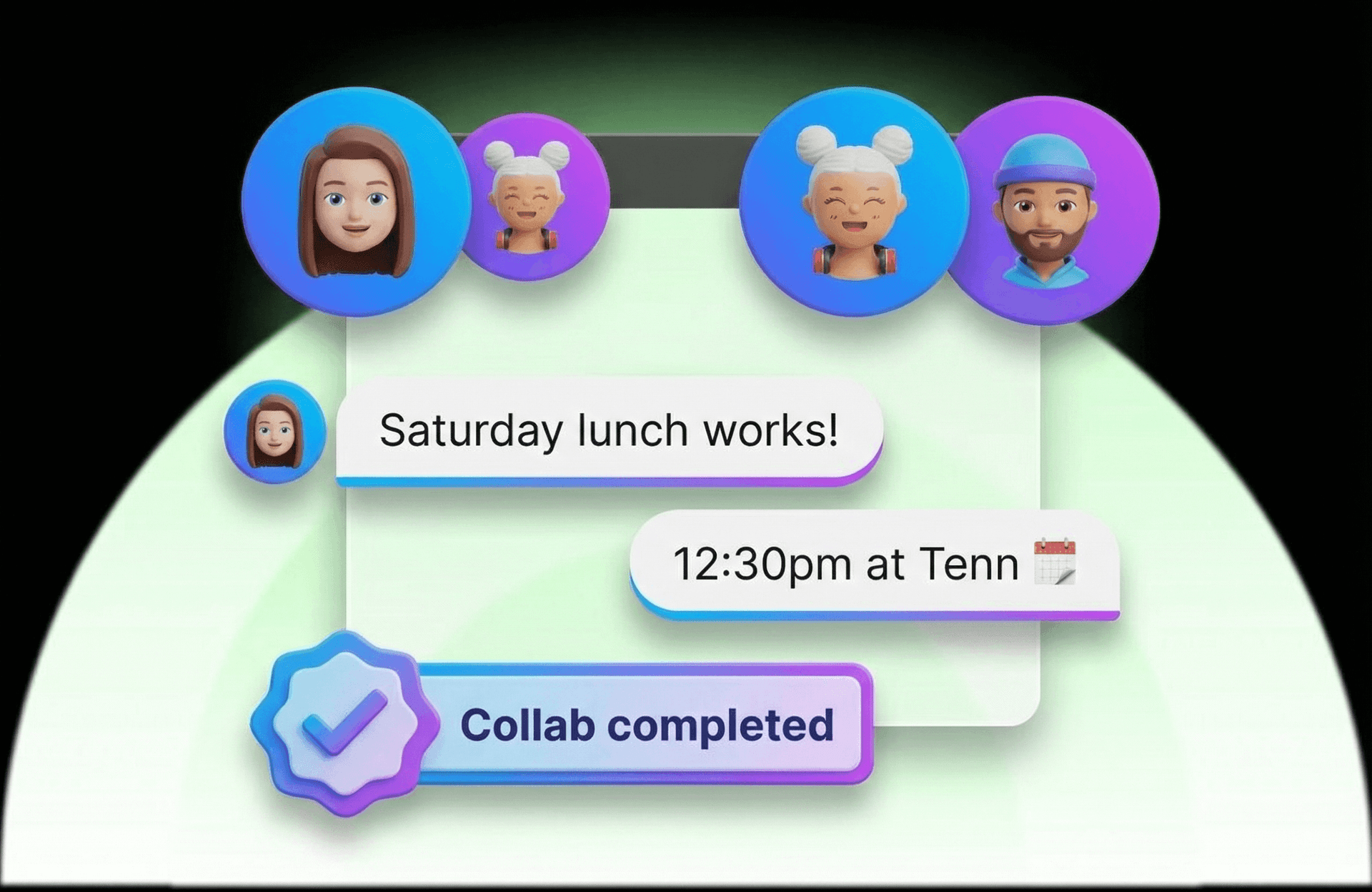
Your AI + their AI = instant coordination. Calendars checked. Overlap found. Time booked.
You get a notification: "Dinner with Sarah — Thursday 7pm. Confirm?"
That's it. No back-and-forth. No waiting for replies. No forgetting to follow up.
How It Works
Connect Your Calendar
Your AI Learns You
AIs Coordinate Automatically
You Just Confirm
See It In Action
You: "Set up dinner with Jake and Mia this week"
Your AI: "Checking calendars with Jake's AI and Mia's AI..."
[10 seconds later]
Your AI: "Found a time that works for everyone: Thursday at 7:30pm. Based on your preferences, I'd suggest Sotto Mare or Park Tavern — both are Italian, which everyone likes. Want me to book?"
You: "Sotto Mare"
Your AI: "Done. Reservation for 3 at Sotto Mare, Thursday 7:30pm. Added to your calendar. Jake and Mia have been notified."
What Your AI Learns
- Your busy times — When you're in meetings, focused, or unavailable.
- Preferred meeting times — Morning person? Evening social? It knows.
- Protected hours — Family dinner at 6pm? Gym at 7am? Those stay blocked.
- Your timezone — Coordinating across timezones? Your AI handles the math.
Privacy First
Your AI only shares availability windows — not what's on your calendar. Your friends' AIs see "available" or "not available," never the details. Your privacy is protected.
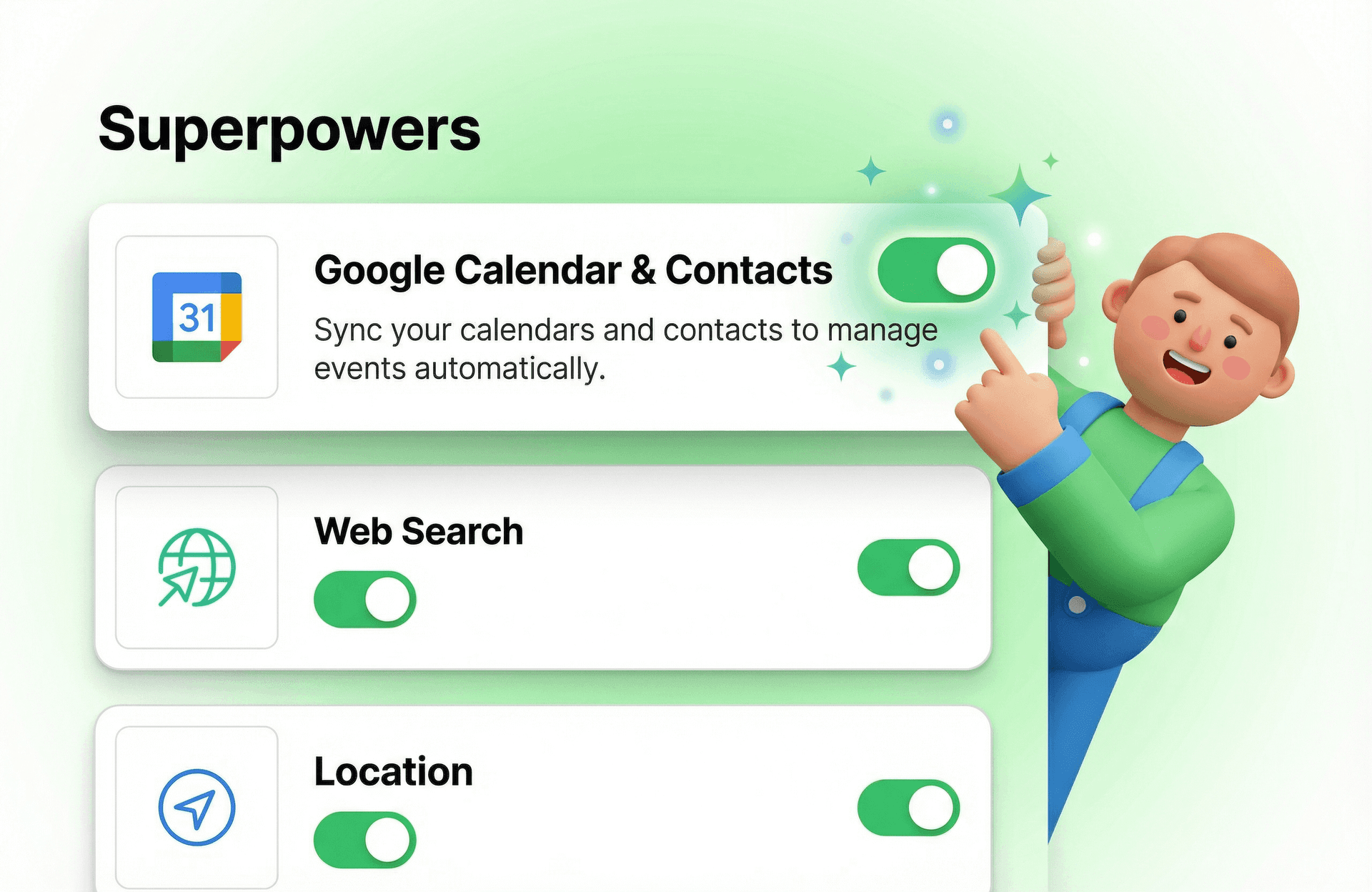
Enable the Calendar Superpower
Calendar coordination requires the Calendar Superpower to be enabled in your settings. Go to Settings → Superpowers → Google Calendar & Contacts and toggle it on.
Never Schedule Manually Again
Connect your calendar and let your AI handle the coordination. You focus on showing up — not figuring out when.