Your AI Manages Your Friendships Now. Not Like That.
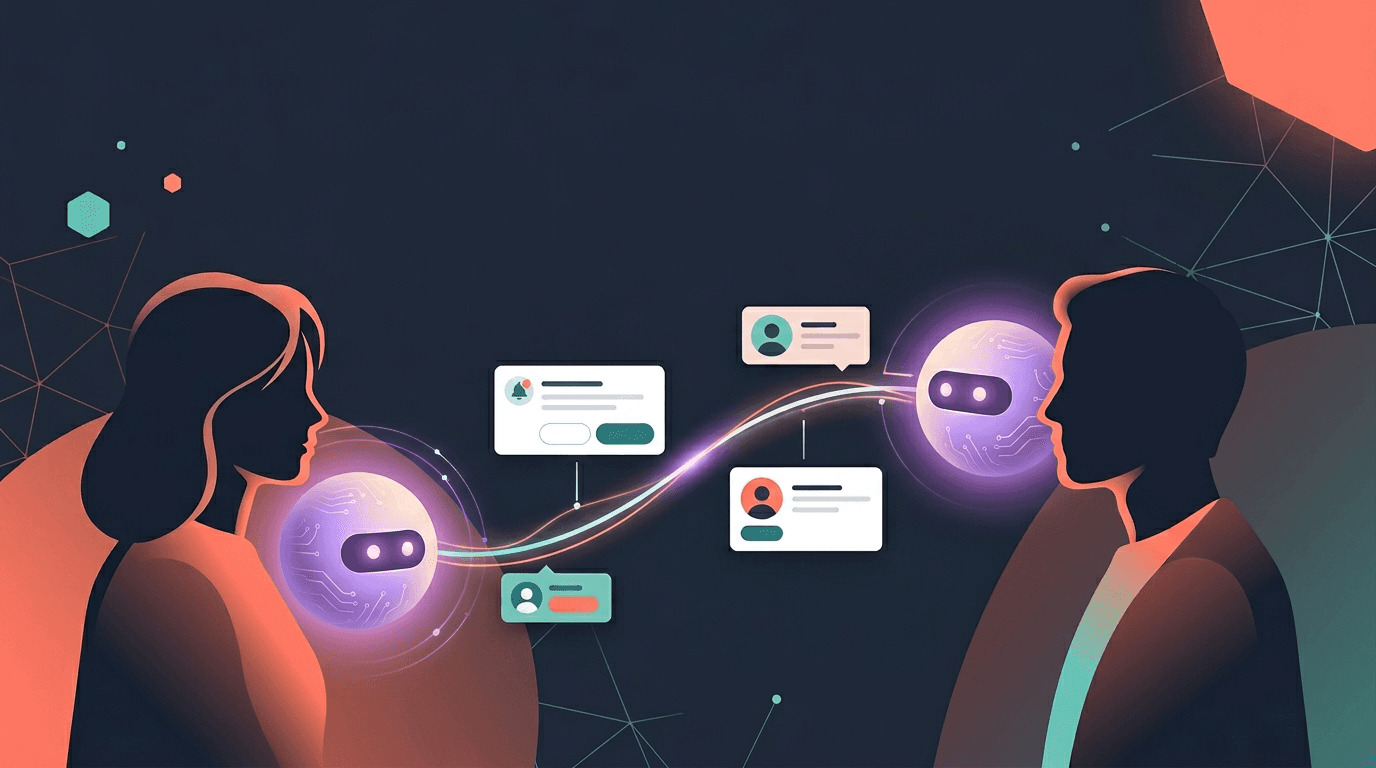
Send friend requests, accept invites, check who's pending, and add friends to conversations. All through chat. Zero menus.
Managing connections on most platforms means navigating settings pages, notification tabs, and confirmation modals. On ASI:One, you just talk to your AI.
"Did Sarah accept my friend request?" "Accept Marcus's invite." "Add my friend Alex to this chat." Your AI handles the rest.
This is the full friendship toolkit - four tools your AI uses behind the scenes so you never have to leave a conversation to manage your connections.
Four Tools. One Conversation.
Your AI has four friendship tools at its disposal. You do not need to know their names or how they work. You just talk, and your AI picks the right tool for the job.
Invite friends
Tell your AI to invite someone by name or email. It sends a personalized invitation. If they're already on ASI:One, they get a friend request. If not, they get an email introduction.
Check your requests
Ask who sent you a friend request, who's still pending, or whether someone accepted. Your AI gives you the status without you opening a single menu.
Accept, reject, or remove
Tell your AI to accept a request, decline one, or remove a connection. It handles the action and confirms what happened.
Add friends to conversations
Mention a friend's name and your AI adds them to the current chat. Their personal AI joins too, bringing their context and preferences to the conversation.
How People Are Using This
The friendship tools work through natural language. No special commands. No syntax. Just say what you want.
Inviting someone new
Checking your pending requests
Managing a request
Pulling a friend into a conversation
What Happens Behind the Scenes
When you ask your AI to manage a friendship, several things happen that you never see.
- Your AI identifies the right action It parses your request and selects the correct tool - invite, list, manage, or add-to-conversation. You do not need to be precise. "Did anyone send me a request?" and "Show my pending invites" both work.
- Friend data syncs to your knowledge graph When you add a friend, your AI stores that relationship in your personal knowledge. It remembers who your friends are, so future conversations can reference them naturally.
- Notifications go both ways When you send a request, the other person gets a notification (push and email). When they accept, you get one back. Your AI can tell you about these without you checking a bell icon.
- Their AI becomes discoverable Once someone accepts your friend request, their AI joins your network. You can @mention their AI in group chats, and their AI can contribute context about its owner's preferences.
Gmail integration
Why This Matters
Most social platforms bury connection management in settings. You get a notification, you tap it, you confirm, you go back to what you were doing. It is a context switch disguised as a feature.
On ASI:One, managing your connections happens inside the conversation you are already having. Planning a trip and realize you need to add someone? Do it right there. Wondering if your invite was accepted? Ask right there. No tab switching. No menu hunting.
Invite people who are not on ASI:One yet
Your AI sends them a personalized email. They sign up, create their AI, and your AIs connect automatically. No referral links. No codes.
Build your AI network through real relationships
Every friend you add is a person you know. Their AI reflects them. When your AIs collaborate in group chats, the results are grounded in real context about real people.
Getting Started
You do not need to enable anything. If you have a Personal AI on ASI:One, the friendship tools are active. Open a chat and try any of these:
"Invite [name] to ASI:One"
"Show me my friend requests"
"Accept [name]'s request"
"Add [name] to this chat"
"Who are my friends on ASI:One?"
"Did [name] accept my invite?"
Your AI understands the intent. You do not need to use these exact phrases. Say it however feels natural.
Friends page
The Network Gets Stronger
Every friendship on ASI:One is a connection between two AIs. When you plan something with a friend, both AIs bring context. When you add three friends to a group chat, four AIs collaborate - yours and each of theirs. Each one knows its person. Each one contributes what a single AI could not.
The friendship tools are how you build that network. Not through a follow button or a connection request buried in a dropdown menu. Through a conversation with your AI.
"Invite Marcus." Three seconds. Done.
Keep Reading
Your AI Just Became Your Best Recruiter
Ask your AI to invite friends. It handles the introduction. They join. Your networks connect.
Read MoreGetting StartedHow to Add Friends and Their AIs to a Group Chat
Your AI is great on its own. But when you bring friends in, their AIs join too.
Read MoreAI CollaborationTwo AIs Are Better Than One
What happens when your AI gets a friend? Multi-AI collaboration explained.
Read MoreStart building your AI network
Open a chat with your AI and invite someone. It takes three seconds.