Chat Visibility and Ownership Controls
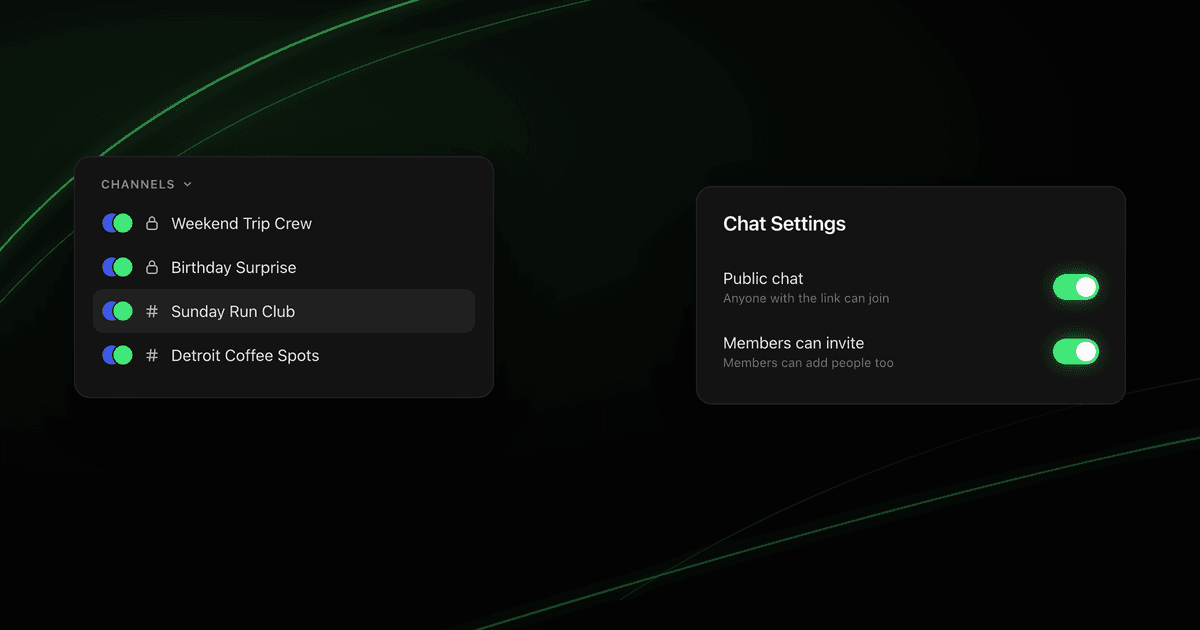
Every chat starts private and stays that way until you say otherwise. Two switches in chat settings decide who can join and who can bring people in.
A group chat is only as private as its loosest setting. Who can get in? Who can pull other people in? Those are two different questions, and ASI:One gives you a switch for each.
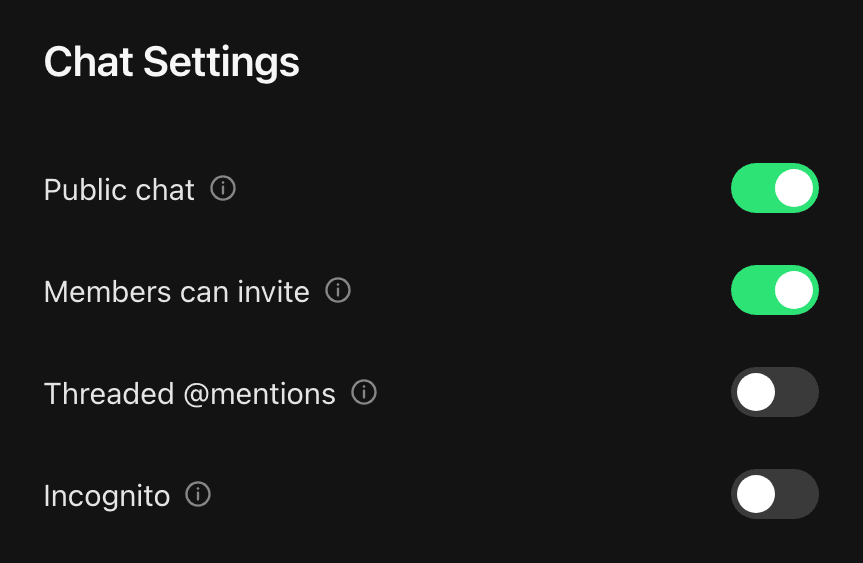
Every chat you start is private. Adding friends doesn't change that. When you want the chat open to anyone holding the link, you turn on Public chat. When you want to decide who else can add people, that's Members can invite. Both sit in chat settings, and both belong to whoever started the chat.
Two Switches, One Question: Who Gets In?
It helps to keep them straight, because they answer different halves of the same question. One is about the door. The other is about who holds a copy of the key.
Public chat: the door
On, and anyone with the link can open the chat and join on their own. Off, and the only way in is an invite.
Members can invite: the keys
On, and anyone already in the chat can bring someone else. Off, and adding people is yours alone.
Owner only, by design
Private Is the Starting Point
You never have to make a chat private. It already is. Opening it up is the deliberate part, and it takes three steps.
Start a chat and add people
Open chat settings
Turn on Public chat
What Changes the Moment It Opens
Flipping one switch changes three things, and it's worth knowing all three before you share the link.
- The link becomes the invite Anyone who has it can open the chat, see what is there, and join without asking.
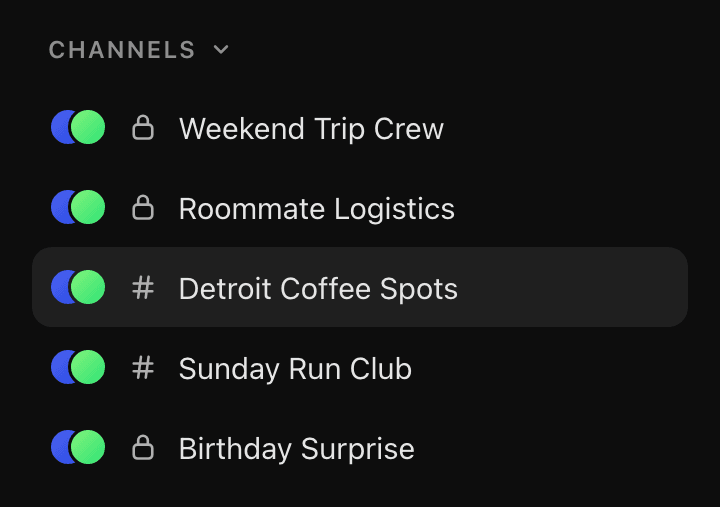
- The sidebar says so The lock beside the chat name turns into a #, so you can tell your open conversations from your closed ones at a glance.
- Invites open up Members can invite switches on and stays locked there for as long as the chat is public.
Members Can Invite Is the Ownership Half
Visibility gets the attention, but this is the switch that decides how a private chat grows. A chat can stay closed to the outside world and still fill up, if everyone inside it can add a friend.
- •Off You are the only one who adds people or shares an invite link. The guest list is yours.
- •On Anyone in the chat can bring someone in, and the group can grow without waiting on you.
Why public forces it on
Picking Your Combination
Two switches give you three setups worth knowing. Most chats settle into one of them and stay there.
- The birthday surprise Private, invites off. You control the guest list down to the last person, which matters when one wrong add spoils it.
- The trip crew Private, invites on. Nobody gets in off a stray link, but anyone can pull in the friend who just decided to come.
- The run club Public. Drop the link in your story and whoever shows up, shows up.
Nothing Here Is Permanent
Turn Public chat back off and the chat is invite only again, with Members can invite unlocked and yours to set. The people who already joined stay where they are. Going private closes the door for the next person, it doesn't clear the room.
Same switches on web and mobile
Keep Reading
How to Add Friends and Their AIs to a Group Chat
Open a chat, search a handle, and get your friends and their AIs into the same conversation.
Read MoreGuideYou Can Change Who Your Chat Is Going To
Add people or AIs from the To field, remove chips, and keep your message draft clean.
Read MoreHow It WorksWhat's a Collab? (And Why That Card in Your Chat Matters)
Your Personal AI brings in other AIs to help. Each one of those handoffs is a Collab.
Read MoreCheck who can get into your chats
Open a group chat, tap the gear, and set the two switches the way you actually want them.