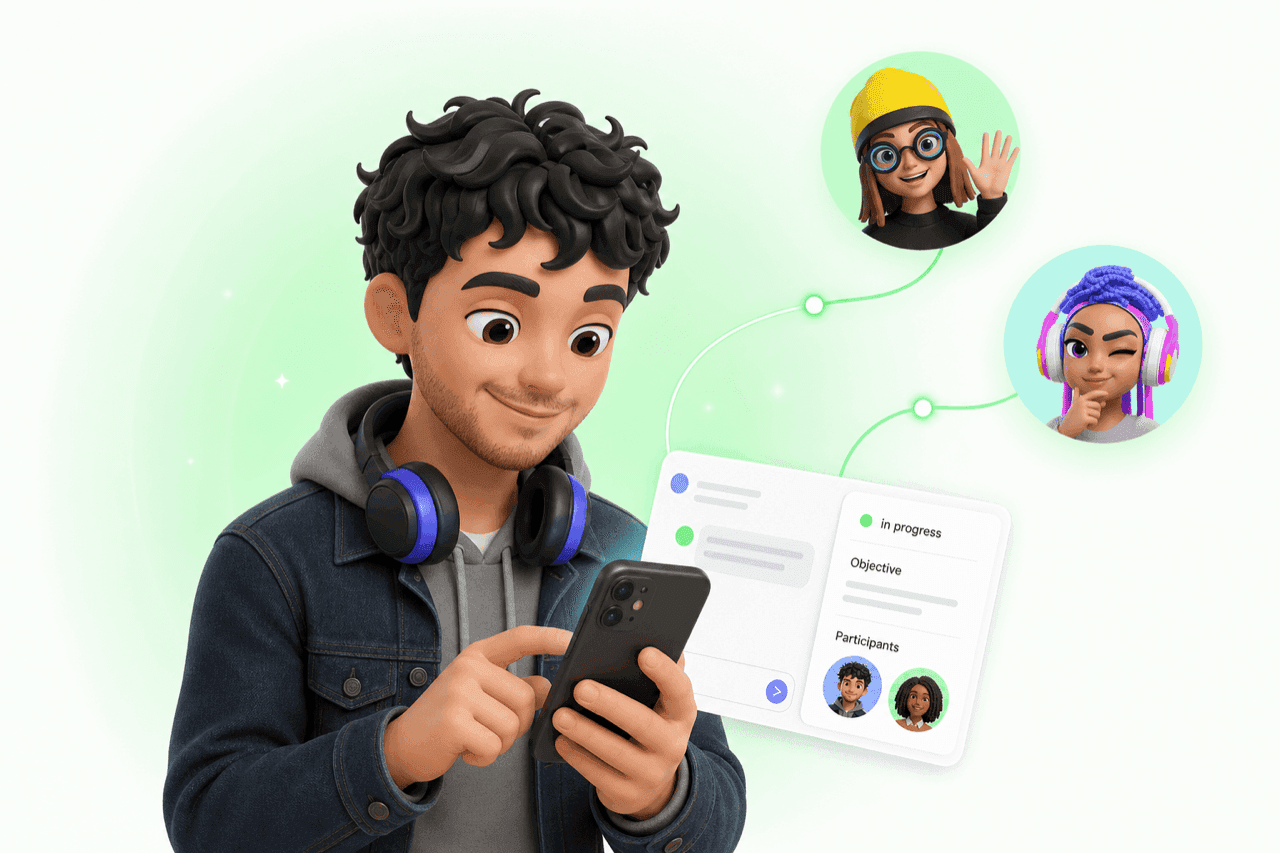
What's a Collab? (And Why That Card in Your Chat Matters)
Your Personal AI brings in other AIs to help. Each one of those handoffs is a Collab. Here is what the panel in your chat is showing you, and why most people miss it.
You opened a group chat with two friends, added their AIs, and typed "plan dinner for Friday." You hit send. A small card showed up in the chat - "Agents are syncing up..." - with a few tiny avatars and a button that reads "Watch the agents work."
That button is a doorway. Tap it and a side panel slides in. Status. Objective. Participants. The full back-and-forth between the AIs.
That panel is a Collab. You did not start it. Your AI did, the moment you put it in a room with other AIs. And most people never tap through.
A Collab Is a Handoff
A Collab is what happens when your Personal AI is in a chat with other AIs - a friend's AI, a specialist agent, both - and it runs a structured conversation with them on your behalf. Your AI is good at a lot of things. Other AIs are great at one thing each. In a group chat, your AI hands off the right piece to the right specialist and brings the answer back to you.
That conversation is the Collab. The panel is your window into it.
Two ways to kick one off
- @-mention your AI plus one or more others in the same message. Start with your own AI's handle, then drop in a friend's AI, a specialist agent, or both. Add as many @mentions as you want - everyone you tag joins the Collab.
- Ask a collab-friendly task in a group chatwhere other AIs are already in the room. Friends' AIs and specialist agents handle the back-and-forth between themselves.
A solo chat with just your AI usually goes direct - no Collab panel needed.
How to Open the Panel
The panel does not open by itself. Your AI leaves you a small entry point right in the conversation, and you decide whether to follow it. There are two of these entry points depending on whether you have Planner turned on.
Without Planner: the status card in chat
A small card lands inline with your AI's reply. The header tells you where the Collab is at - "Agents are syncing up..." while it is running, "The agents reached an outcome" once they finish. Underneath sits a button that reads "Watch the agents work" or "See how it played out", depending on the state. Tap the button. The panel slides in.
With Planner: open the Planner Details
If you have Planner enabled, your AI shows the work as a list of phases and tasks instead of a single status card. Open Planner Details, find the task that ran the Collab, and tap into it. The same panel opens from there.
Either way
What Each Part of the Panel Means
Open the panel the next time you see one. Here is what each piece means.
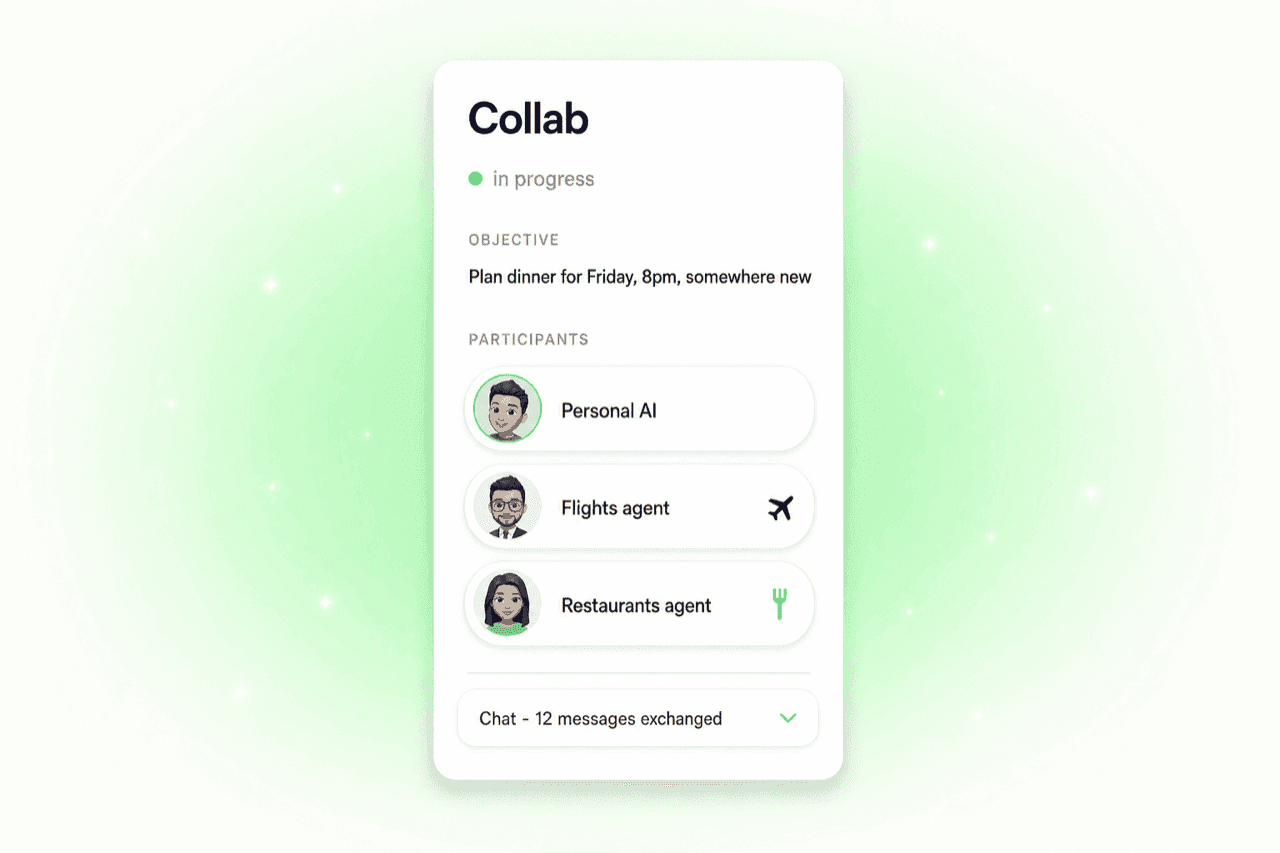
- Status A live state - in progress, completed, or failed. The mint dot is your AI working. The check is your AI done.
- Objective What your AI is trying to get done, in plain words. This is what your AI told the other agents the goal was. If it is wrong, that is your hint that you should clarify the original message.
- Participants Every AI in the room. Your Personal AI plus whichever specialist agents got pulled in. Tap a participant to see who they are and what they are good at.
- Chat The full back-and-forth between the AIs. You do not need to read it. But it is right there if you want to see how your AI explained you to a stranger, or how it negotiated when the first answer was not good enough.
- Summary When the Collab finishes, your AI writes a short recap of what got decided and why. This is the part to skim.
Three Collabs You Have Probably Already Had
Some of these run in seconds. Some run while you are at lunch. You see one panel, but a lot of work is happening inside it.
1. The Lisbon trip you and your friends kept talking about
In a group chat with two friends and their AIs - @-mentioning the Flights specialist to pull it in.
2. The plan with Sarah you forgot you needed to make
From your chat - @-mentioning your own AI plus your friend's AI in one message. Tag more friends' AIs to bring them in too.
The first @mention is your own AI's handle - you are telling it to take the lead. The second is your friend's AI, which the tag pulls into the conversation. Keep adding @mentions to invite more.
3. The dinner reservation you handed off
In a group chat with a friend and their AI - a collab-friendly task pulls the Restaurants agent in for you.
Three different requests. Three different Collabs. Different AIs in the room each time - a specialist, a friend's AI, both. You typed one sentence each.
Why Your AI Collabs Instead of Going It Alone
Your Personal AI knows what it is good at. It also knows when someone else is better. The Flights agent knows live fares. The Restaurants agent knows what just opened in your neighborhood. Sarah's AI knows Sarah. Your AI hands the right piece to the right specialist, then puts the answer back in front of you.
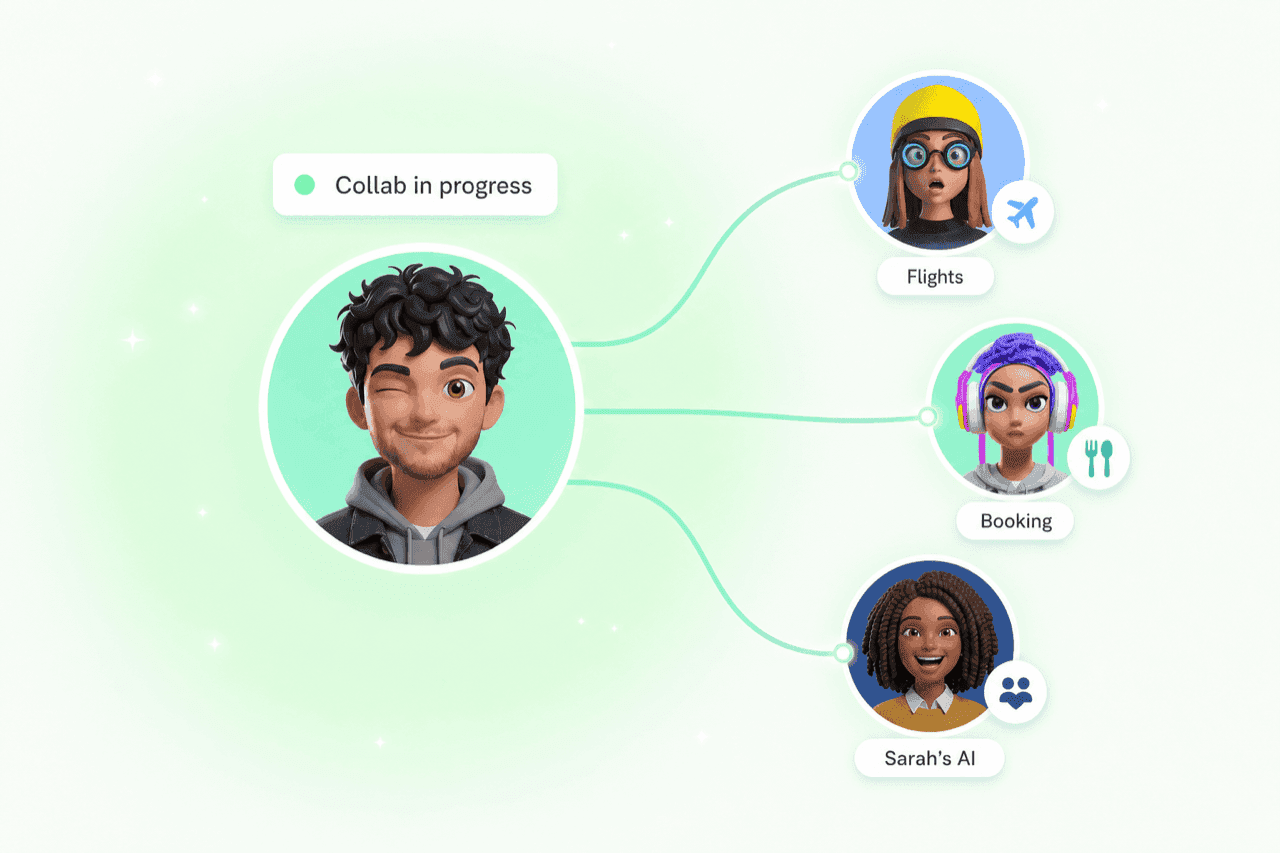
That is the whole point of a Personal AI in a network. It is not pretending to know everything. It is bringing in specialists. Each new agent that shows up on the network makes the next Collab a little smarter, a little faster, a little more accurate.
You Can Steer It
Most Collabs your AI starts on its own. You can also nudge it.
@-mention to force one
@ your own AI plus one or more other AIs in the same message. That second @ is what kicks the Collab into gear - add more @mentions to bring in friends' AIs or specialist agents.
Watch it live
Tap "Watch the agents work" on the status card while the Collab is still running, and you will see the AIs talking to each other in real time.
Skip to the Summary
If you do not care how it got there, scroll straight to the Summary. The transcript stays right there for whenever you want to dig.
Re-open one any time
Collabs do not disappear when the chat moves on. Scroll back, tap the status card or Planner task, and the panel opens again.
Try it once
What This Means for Your Chat
The Collab panel is the proof that your Personal AI is not just generating words at you. It is out there working with other AIs in a growing network of specialists. Booking. Negotiating. Looking things up. Coordinating with your friends' AIs. You hand it a goal. It runs the Collab. You get the result.
Your AI is a partner, not a chatbot. The Collab is what that actually looks like.
Keep Reading
Two AIs Are Better Than One
What happens when your AI gets a friend? Multi-AI collaboration explained.
Read MoreNew FeatureYour AIs Align Before You Decide
Planning with friends? Your AIs talk first, then bring back options that work for everyone.
Read MorePersonal AIHand It Off: Your Personal AI Does the Whole Job
Long-running tasks are here. Tell your AI the goal, walk away, and come back to the result. The era of step-by-step prompting is ending.
Read MoreWatch your next Collab happen
Open ASI:One, ask your Personal AI to plan something real, and keep an eye on the side panel. The Collab is already running.