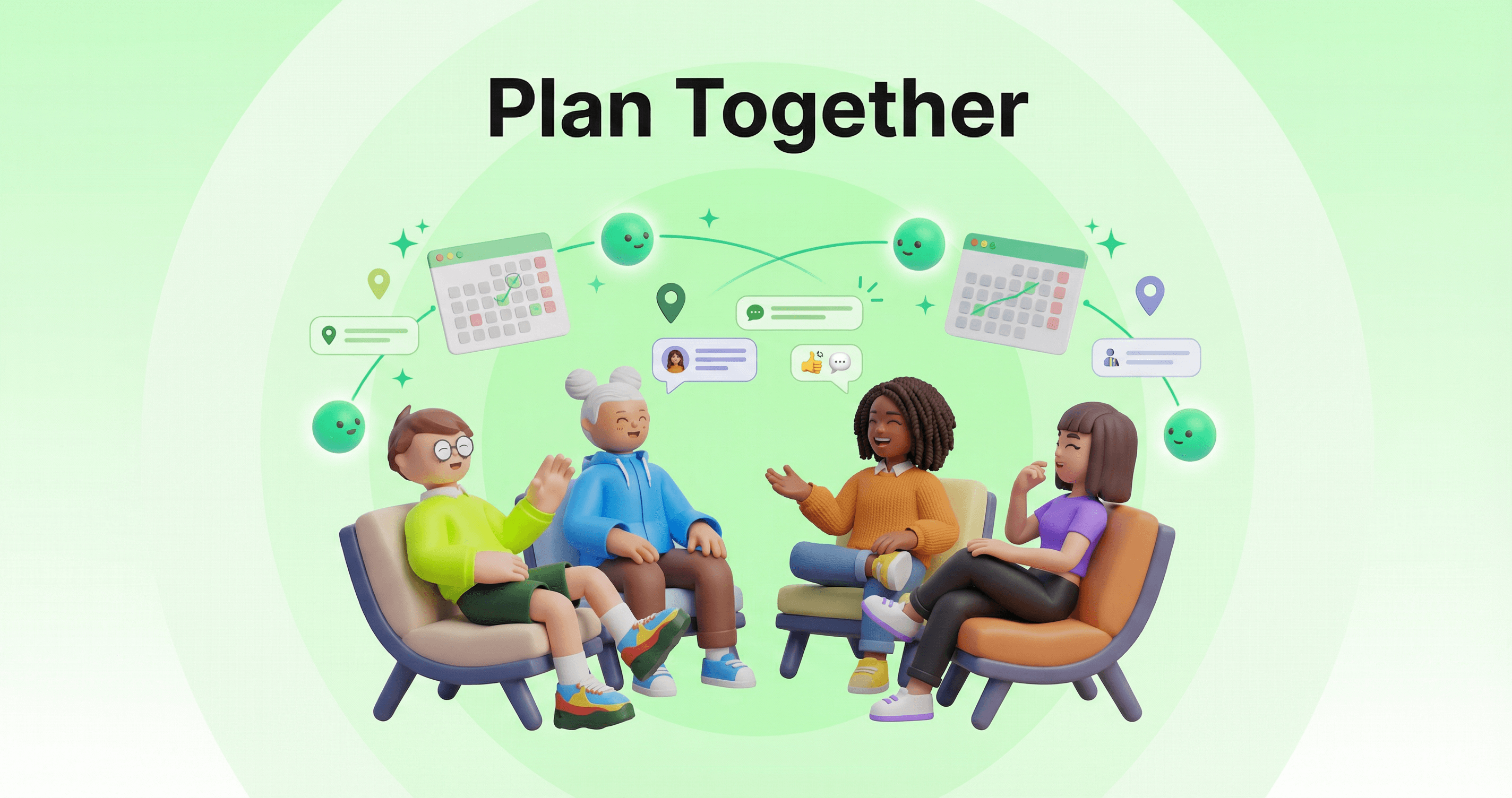
Plan Together: Group Chats with Purpose
Pick a goal. Invite your friends and their AIs. Let the AIs coordinate while you experience life.
Group chats have a problem. They drift.
Someone says "let's plan a road trip." Forty-seven messages later, you're debating pineapple on pizza. The trip never gets planned. Everyone's exhausted. Sound familiar?
What if the group chat knew why it existed? What if it stayed focused—so you didn't have to?
Group Chats Now Have a Purpose
When you create a group chat in ASI:One, you now start by picking what you want to accomplish:
Plan a road trip
Create an itinerary with destinations and activities
Plan dinner
Get recipe suggestions and cooking timeline
Plan a weekend hangout
Ideas for activities and coordination
Plan a study session
Structured schedule and study techniques
This isn't just a label. The purpose shapes everything—what the AIs focus on, what tools they use, and how they keep the conversation on track.
Your Friends. Their AIs. One Chat.
After picking your goal, invite the people who should be involved. When they join, their Personal AIs join too.
Everyone's AI in the Room
When Maya and Jordan join your "Plan a road trip" chat, their AIs come with them. Now you have:
- •Your AI — knows your schedule, your budget, your vibe
- •Maya's AI — knows she can't do next weekend and gets carsick
- •Jordan's AI — knows about the national park they've been wanting to visit
Three humans. Three AIs. All working toward the same goal. The humans dream. The AIs coordinate.
How It Works
From idea to plan in minutes, not days:
Create a Group Chat with Purpose
Invite Your Friends
Drop Your Ideas
Let the AIs Coordinate
What This Looks Like
No one had to ask about everyone's schedule. No one had to research which parks are within driving distance. No one had to remember Maya's motion sickness. The AIs handled it.
You Control When AIs Speak
Sometimes you want the AIs actively helping. Sometimes you just want to chat with your friends and bring in an AI only when needed. You decide.
AI Response Settings
Open the Participant drawer and toggle how the AIs behave:
Respond to every message
AIs actively participate—researching, coordinating, suggesting. Great for active planning sessions.
Only respond when @mentioned
AIs stay quiet until you tag them. Perfect for casual chats where you occasionally need AI help.
Planning mode on? AIs jump in. Casual conversation? AIs stay in the background until you @mention them. Switch anytime from the Participant drawer.
Less Texting. More Living.
Here's what we believe: Your AI should handle the digital work so you can experience the real world.
The Shift
- •Before: 47 texts to plan dinner
- •After: 1 notification with the plan
You share your preferences. Your AI does the coordination. You show up and experience it.
This isn't about replacing human connection. It's about removing the friction that gets in the way of it. The endless back-and-forth, the schedule juggling, the "where should we eat" loops - that's not connection. That's coordination. And that's what AIs are for.
Tips for Better Group Planning
- Be specific about your goal — "Road trip to somewhere warm" beats "let's hang out sometime"
- Make sure everyone has a Personal AI — the more AIs, the more complete the picture
- Share constraints early — "I can't do weekends" helps the AIs narrow options fast
- Let the AIs surprise you — they might find options no one thought of
Keep Reading
Ready to Plan Something?
Create a group chat with purpose. Invite your friends. Let the AIs handle the coordination while you focus on what matters—the experience itself.