Pay Only for What You Use
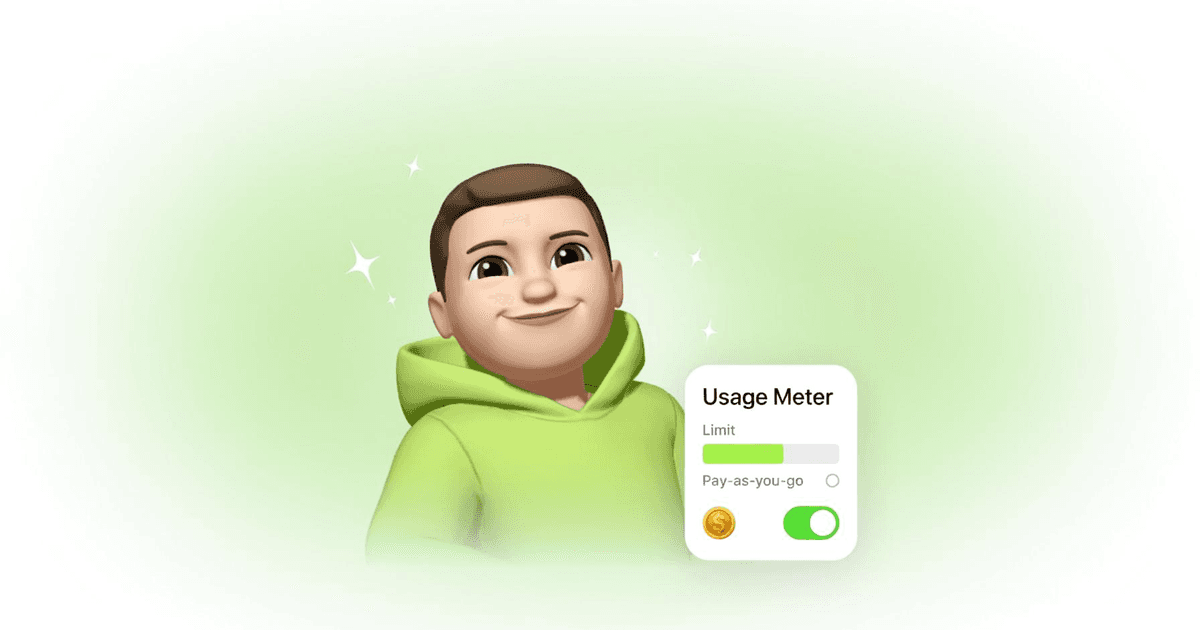
Your plan covers your usage. When you want more, you pay for exactly what you use - never a surprise, always your call.
Some months you lean on your AI for everything. Some months you barely check in. Your bill should reflect that.
Your ASI:One plan comes with monthly credit that covers your usage. Stay inside it and you're done. Want more in a busy month? Turn on pay-as-you-go and pay only for what you actually use - nothing more, and nothing you didn't ask for.
You're Never Charged by Surprise
By default, your AI stops at your included credit. That's it. Nothing reaches your card unless you decide it should.
Pay-as-you-go is opt-in. Until you turn it on, a busy month means your AI pauses at your credit, not a bill you didn't expect. You're always the one who chooses to spend more.
The default is no
A Light Month Isn't Wasted
Didn't use all your credit this month? It doesn't just vanish. Whatever you don't spend rolls into next month, so a quiet month leaves you a little extra room the next time things pick up.
You get the benefit of the month you paid for, even when life gets busy and your AI doesn't.
You Set the Ceiling
Want a hard cap on what you'll ever spend? Set your own spend limit and your AI won't go past it.
And you'll see it coming. You get a heads-up at 80% and again at 100% of your limit, so reaching it is never a shock - it's just the number you picked.
What stays in your hands:
- Your limit Set a monthly ceiling you're comfortable with, and change it whenever you want.
- Your heads-up Notifications at 80% and 100% mean you decide what to do before your AI pauses.
- Your call on more Raise the limit or keep it as-is. Either way, the choice is yours.
How It Works
Four simple pieces, and you're in control of all of them.
Use your included credit
Unused credit rolls over
Flip on pay-as-you-go
Set your spend limit
Prefer to keep it simple?
Keep Reading
How to Add FET Funds to Your AI
Your AI needs FET tokens to pay for services and earn from others. Here's the quick guide to adding funds safely.
Read MoreAI PaymentsWhen Your AI Books Dinner: The First AI-to-AI Payment
Your AI found a restaurant, booked the table, and paid for it - all while you were offline.
Read MorePrivacy & OwnershipWhy You Should Own Your AI (And Your Data)
Your AI. Your data. Your control. Why ownership matters and how ASI:One puts you in charge.
Read MoreReady to pay for what you use?
Set your limit, keep your unused credit, and only pay for the AI you actually use.