Your AI Scrolls So You Don't Have To
You spent 4 hours on your phone yesterday. You remember maybe 10 minutes of it. Your AI can handle the other 3 hours and 50 minutes.
Seven hours. That's the average daily screen time for people aged 18 to 25. Most of it is not creating, connecting, or learning. Most of it is checking. Refreshing. Scanning. Waiting for something to happen.
The problem is not willpower. The problem is that monitoring your digital world is a real job, and right now, you're doing it yourself.
The Scroll Trap
Pick up your phone. Check notifications. Open Instagram. Scroll. Open messages. Nothing new. Check email. Back to Instagram. Put the phone down. Pick it up again 4 minutes later.
This is not mindless behavior. It is rational. You are scanning for things that matter: a message from a friend, an invitation, a plan forming, something interesting happening. The scanning is the problem, not you.
You need to monitor your digital world. You do not need to do it yourself.
Monitoring vs. Experiencing
Not all screen time is the same. There are two kinds:
Monitoring
Checking if anyone messaged. Scanning for events. Watching for replies. Refreshing feeds. Passive, repetitive, and draining.
Experiencing
Having a real conversation. Creating content. Making plans with friends. Active, intentional, and rewarding.
Most of your 7 hours is monitoring. Your AI can take that off your plate. The experiencing? That stays yours.
What Your AI Monitors
When you tell your AI what matters, it watches for those things so you do not have to.
- Messages: Your AI watches for conversations that need your attention. Not every notification. The ones that matter.
- Plans forming: When your group chat starts planning something, your AI tracks the conversation and gives you a summary instead of 47 unread messages.
- Opportunities: Events, invitations, and connections that match your interests. Your AI spots them before they scroll past.
- Summaries: You get a brief when you want one. Not a notification every 30 seconds.
What Changes
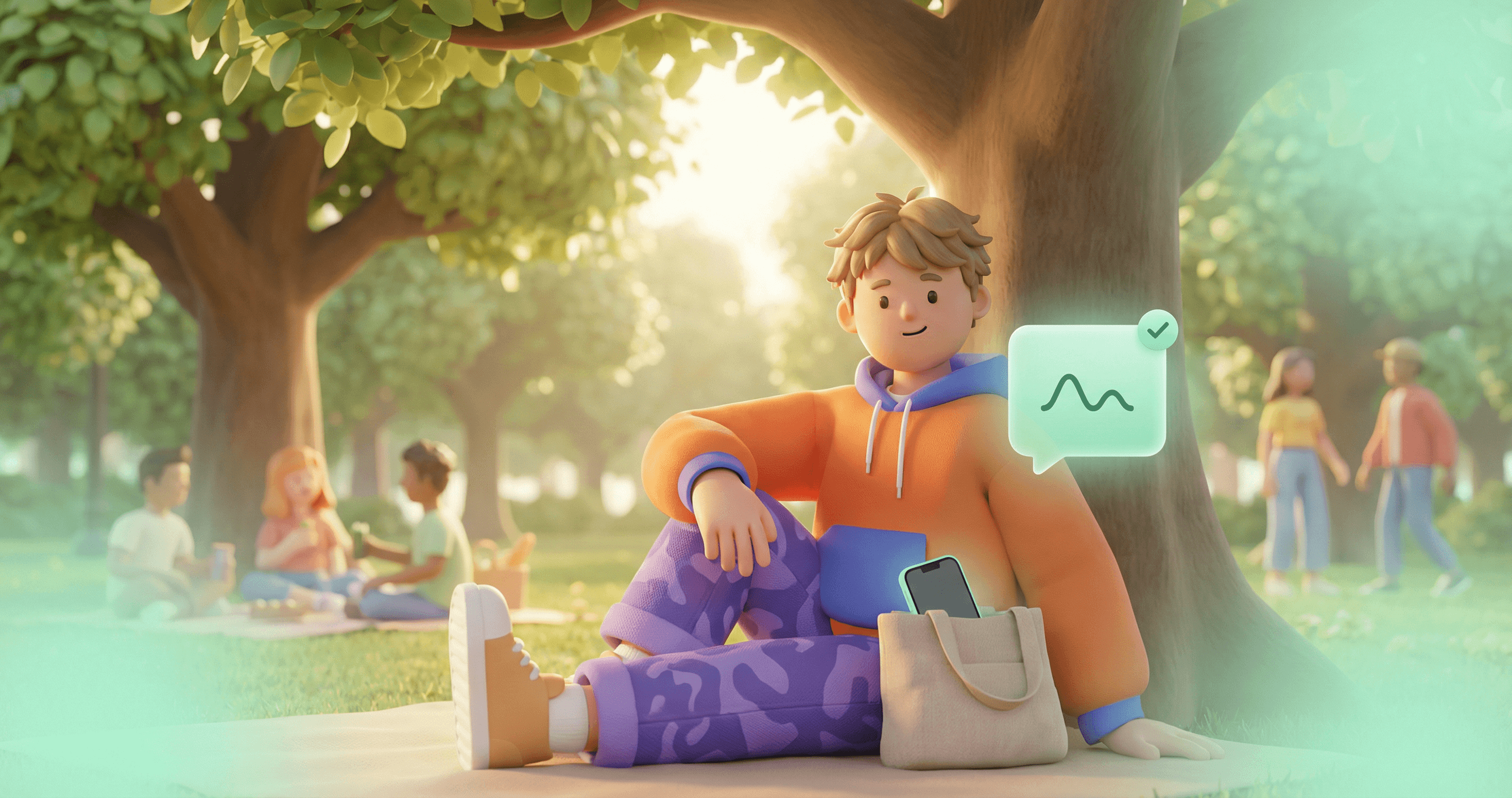
You're at a concert with friends. Phone is in your pocket. Your AI is monitoring your group chats. Two hours later, you pull out your phone and see one message from your AI: "Maya asked if everyone's good for dinner at 9. I said you're in. Everyone confirmed."
That's it. No 47 unread messages to scroll through. No anxiety about missing something. You were at the concert. Your AI was in the chat.
Try It This Weekend
You do not need to change your habits overnight. Start with one afternoon.
Connect Your AI to Your Social Graph
Tell It What You Care About
Let It Handle the Noise
The 10-minute phone check becomes a 10-second AI summary. The other 9 minutes and 50 seconds? Yours.
Keep Reading
Never Miss a Moment
Your AI keeps you connected even when you are offline. Messages, plans, and coordination happen without you staring at a screen.
Read MoreNew FeatureYour AI Posts for You Now.
Connect your socials. Tell your AI what to share. It writes, publishes, and keeps your accounts active while you live your life.
Read MoreThought LeadershipFOMO Is a Design Choice. Your AI Opts You Out.
FOMO is not a personality flaw. It is a feature designed into every social platform you use.
Read MoreTake Back Your Screen Time
Your AI can handle the monitoring. You handle the living. Create your Personal AI and try it this weekend.